Your AI Agent's Gateway to 200+ Live Widgets
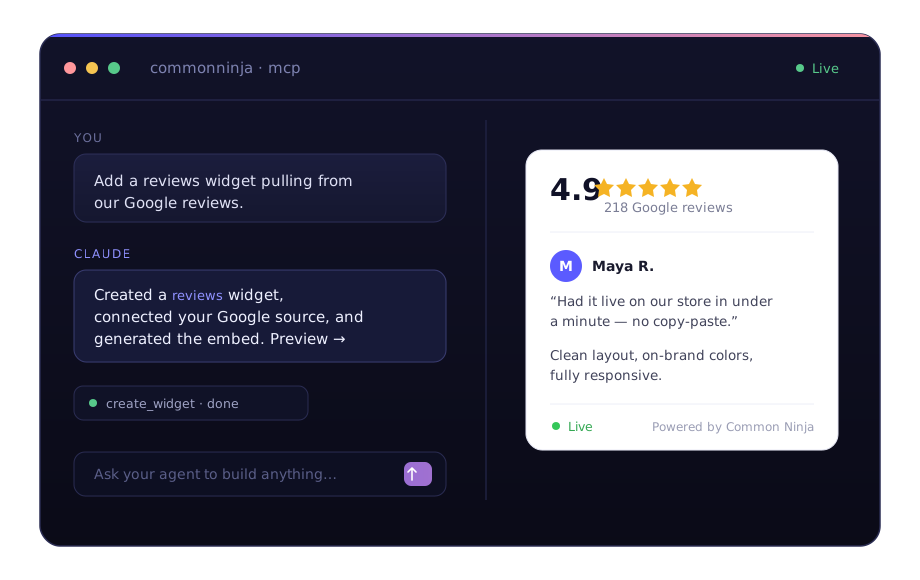
The Common Ninja MCP server turns any MCP-compatible assistant into a widget builder — no SDK, no API keys, no copy-paste.
Build by Asking
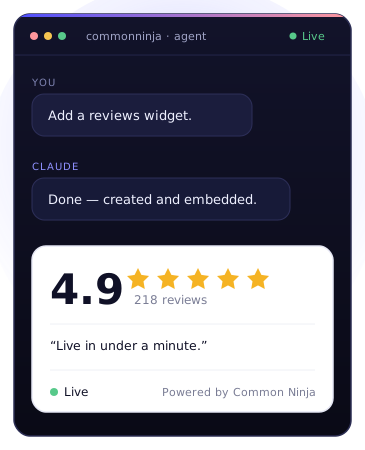
Describe the widget you want in plain language. Your agent creates it, configures it, and keeps it live — with no manual steps.
200+ Live Widget Types
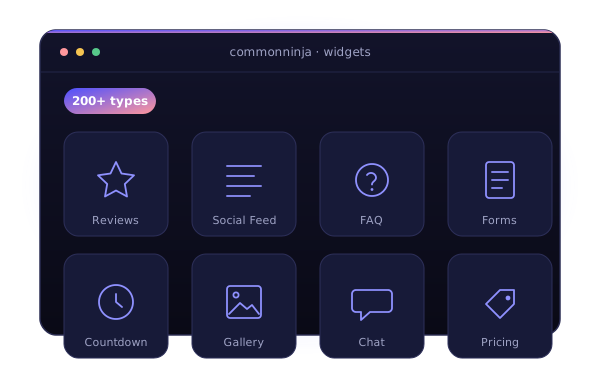
Reviews, social feeds, FAQs, forms, countdowns, and more. Your agent browses and builds from the full Common Ninja catalog.
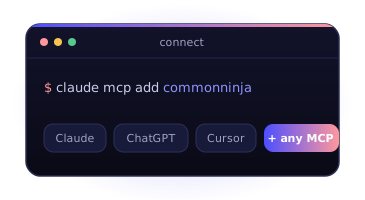
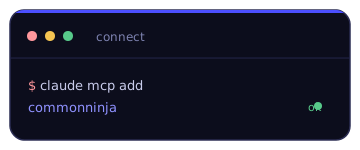
Connect in One Line
Point any MCP client at a single URL. Works with Claude, ChatGPT, Cursor — and any MCP-compatible tool.
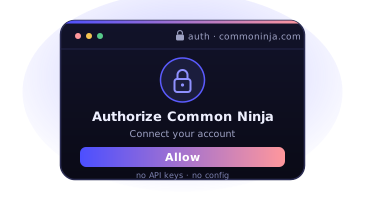
Secure OAuth Login
Authorize once in your browser. No API keys to copy, no config files to manage.
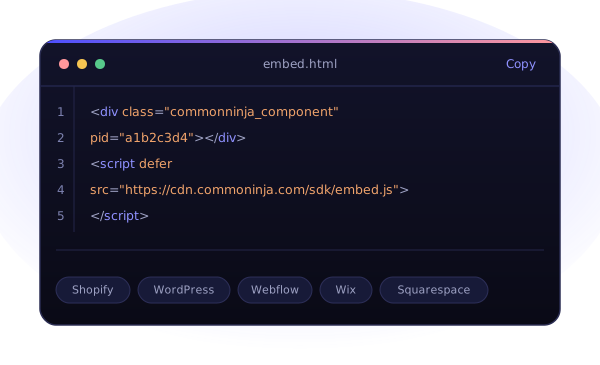
Cross-Platform Embed Code
Your agent generates ready-to-paste embed code for any website or platform — Shopify, WordPress, Webflow, and more.
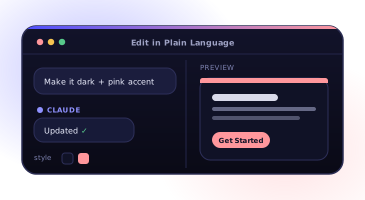
Edit in Plain Language
Change colors, layouts, or data sources just by asking. Your widgets update live, instantly.
Agentic widgets for any goal
Whatever your site needs, your AI agent can build it — drawing from 200+ live widgets across every category. Just describe the outcome.
Grow your audience
Pull your social content onto your site automatically.
Add our Instagram feed to the homepage.
Win trust
Show off your reputation with real social proof.
Embed our Google reviews above the footer.
Capture leads
Turn visitors into contacts you can reach again.
Create a newsletter signup popup.
Drive sales
Create urgency and move shoppers to checkout.
Add a Black Friday countdown bar.
Engage visitors
Make your page interactive and keep people on it.
Build a 5-question product quiz.
Inform & support
Answer questions and guide visitors instantly.
Add a WhatsApp chat button.
Connect your AI in under a minute
No SDK, no API keys. Point your AI client at one URL, authorize once, and start building.
Add the server
Drop the MCP URL into Claude, ChatGPT, or Cursor as a custom connector.
Log in with OAuth
Authorize once in your browser — no API keys, no config files to manage.
Build by asking
Tell your agent what you want. It creates the widget and embeds it, live.
https://mcp.commoninja.com/mcp$ claude mcp add --transport http commonninja https://mcp.commoninja.com/mcp$ codex mcp add commonninja --url https://mcp.commoninja.com/mcpThen authorize once with codex mcp login commonninja.
In ChatGPT, open Settings → Apps → Developer mode, create an app, and paste the server URL above as the connector URL.
Don't take it from us
500K+ Businesses use our widgets on their websites & online stores.
Join our community