


Donation Button Personalization
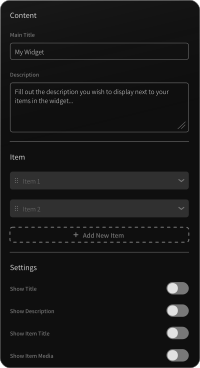
The widget enables you to customize the donation button, including its color, text, size, and type. This allows you to create a call-to-action that aligns with your campaign’s style and maximizes conversions.
The visual representation of your fundraising progress motivates donors by showing how close you are to your goal. This creates urgency and inspires contributors to take action. By making progress visible, your campaign can reach its target faster
The widget fosters donor engagement by providing real-time updates on contributions. Supporters feel more connected to the cause as they see their impact reflected instantly. This transparency builds trust and strengthens their commitment to your fundraise
The widget grabs attention with its dynamic design and live progress updates. This eye-catching feature draws more visitors to your campaign page, increasing the likelihood of donations. It also makes your fundraiser shareable and more appealing on social media platforms.
The widget enables you to customize the donation button, including its color, text, size, and type. This allows you to create a call-to-action that aligns with your campaign’s style and maximizes conversions.
With options to set and display donation currency, donation captions, and a live progress bar, the widget ensures your supporters can see real-time updates on your fundraiser’s progress. This transparency builds trust and encourages further contributions.
Easily edit key content such as the main title, description, donation end date, captions for time left, contributors, donated amount, and goal amount. This feature provides complete control over your campaign's messaging and ensures clarity for your supporters.
Choose from a variety of layout options to ensure the Fundraising Thermometer Widget fits perfectly with your website’s style. Whether your design is modern or classic, you’ll find a layout that complements your campaign and makes it stand out.
The Donation Progress Tracker offers multiple pre-designed skins, making it easy to match your website’s branding. These ready-to-use skins save time and effort while enhancing the visual appeal of your fundraiser, helping it capture attention.
The Fundraising Goal Meter is fully customizable, allowing you to adjust its colors, fonts, sizes, and more. This flexibility ensures the widget blends seamlessly with your website’s design, creating a professional and cohesive look.
The Charity Progress Bar is designed to be fully responsive, ensuring it looks great on any device, whether desktop, tablet, or mobile. This guarantees a consistent user experience for all your visitors, regardless of how they access your site.
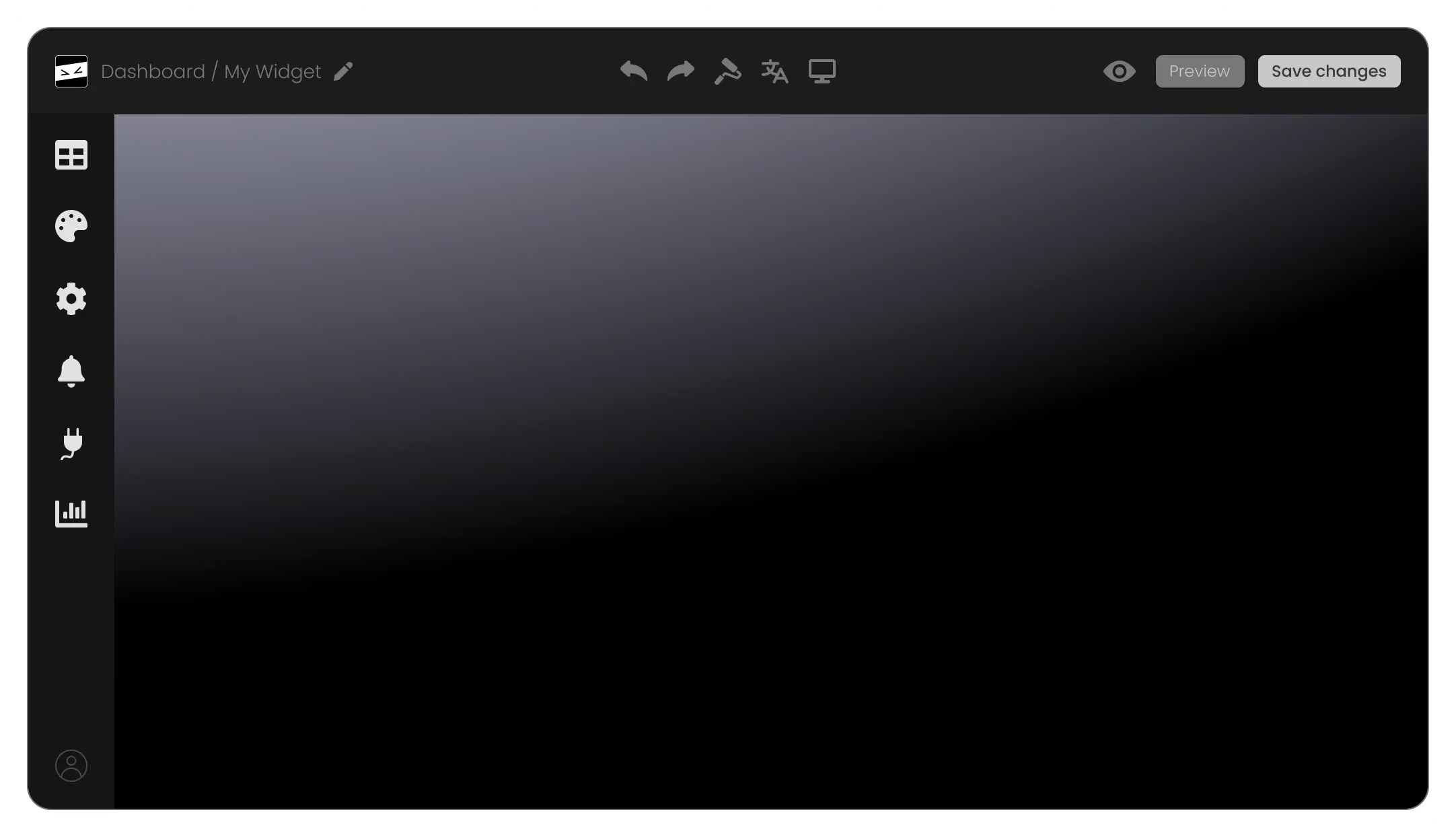
The Fundraising Thermometer Widget is incredibly user-friendly, requiring no coding skills to customize or embed. With an intuitive interface, anyone can set up and manage the widget with ease, saving time and effort.
For users with coding expertise, the widget allows custom CSS modifications. This feature provides endless possibilities for unique styling, enabling you to create a truly personalized Fundraising Thermometer Widget tailored to your campaign’s specific needs.
Embedding the Donation Progress Tracker on your website is as simple as copying and pasting a single line of code. Additionally, the widget updates automatically with every change, ensuring your campaign always displays the latest information without extra effort.
The Fundraising Thermometer Widget is a tool that helps you visually track and display the progress of your fundraising campaigns, motivating donors and encouraging contributions by showcasing real-time updates.
You can easily add the widget by copying and pasting a single line of embed code into your website. No technical skills are required, and the widget integrates seamlessly with any platform.
Yes! The widget is fully customizable, allowing you to modify fonts, colors, layouts, and even add custom CSS to match your website’s branding perfectly.
Yes, the Donation Progress Tracker updates in real-time, ensuring that your supporters always see the latest progress of your campaign.
The widget allows you to display your fundraiser’s goal amount, the donated amount, the number of contributors, time left, and a dynamic progress bar. You can choose which elements to show or hide based on your preferences.
Absolutely! The Charity Progress Bar is fully responsive and looks great on any device, including desktops, tablets, and smartphones.
No, the widget is designed to be user-friendly. You can customize and set it up without any coding knowledge using the intuitive editor.
Yes! The Fundraising Goal Meter is versatile and can be used for charity events, school fundraisers, personal causes, crowdfunding campaigns, and more.
Yes, the widget allows you to choose your desired currency, ensuring that your fundraiser aligns with your target audience’s preferences.
Yes, the widget includes options to customize the donation button’s color, text, size, and type, helping you create a compelling CTA for your campaign.
Any changes you make to the widget in the editor will automatically update on your website. This ensures your campaign always displays the latest design and content.
Yes, the widget allows you to include a title, description, and captions for various data points, providing your supporters with all the information they need.
The widget offers both free and premium plans. While the free version includes basic functionality, the premium version unlocks advanced customization options and features.
You can create multiple widgets for different campaigns and embed them on the respective pages of your website, allowing you to manage multiple fundraisers simultaneously.
The widget works on any website platform, including WordPress, Wix, Shopify, Squarespace, and custom-coded sites, making it a versatile solution for all users.