How to add LinkedIn Feed Slider to your website
Learn how to embed Common Ninja’s LinkedIn Feed Slider on your website without coding.



In This Guide
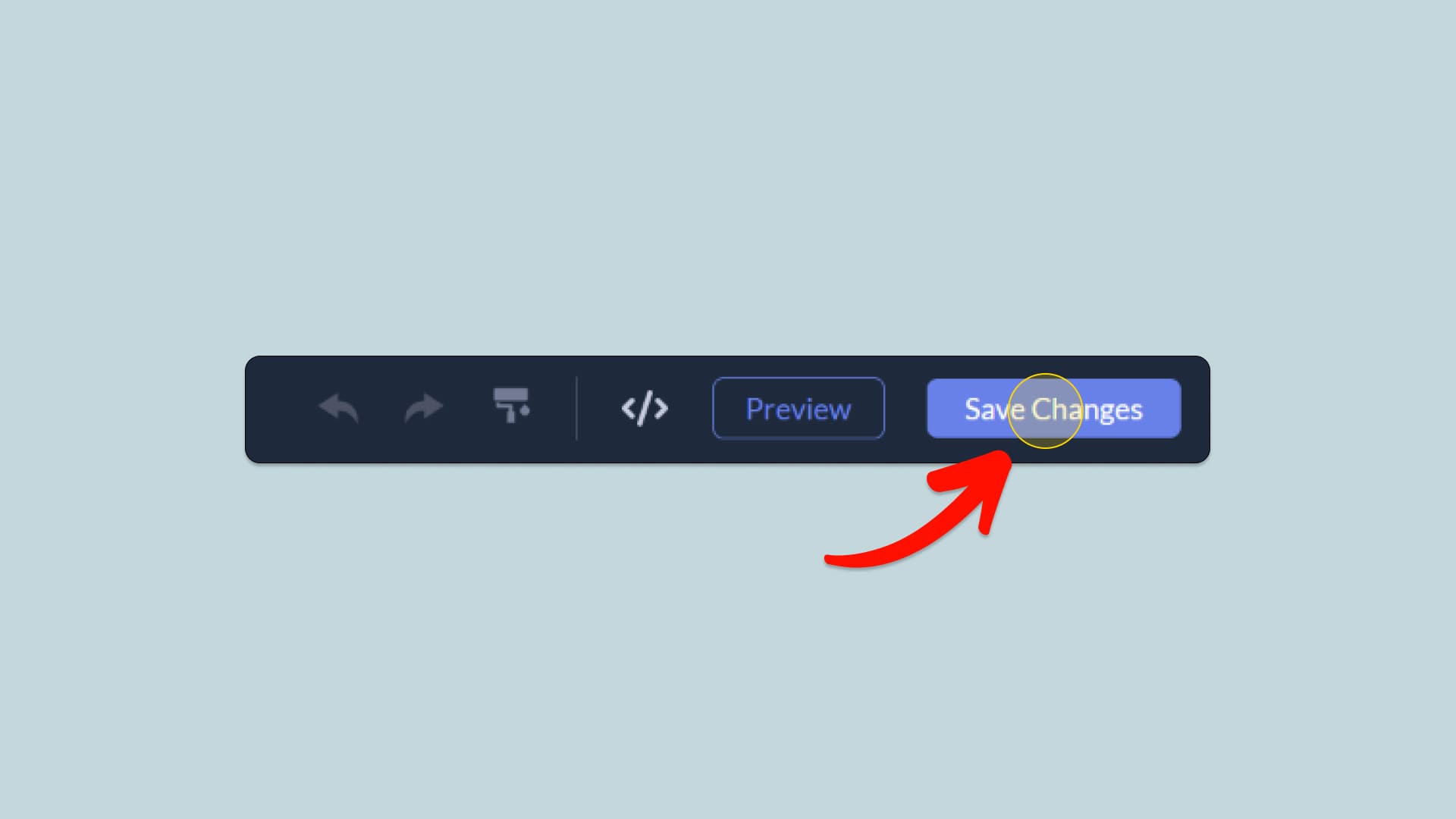
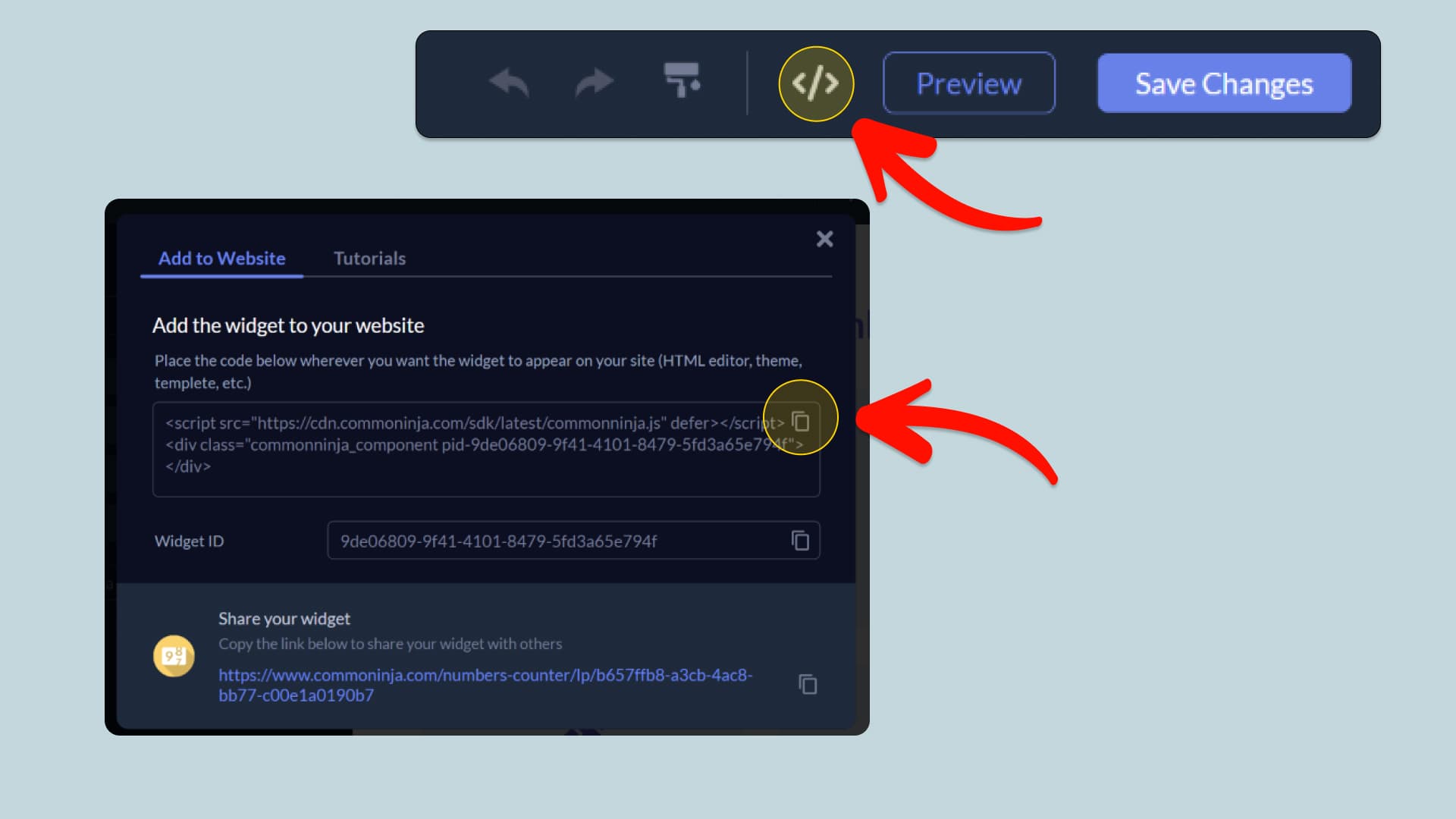
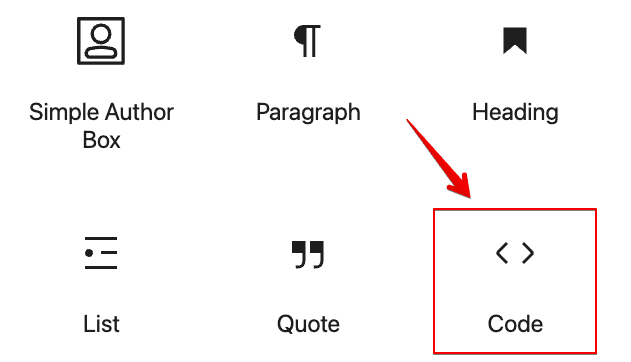
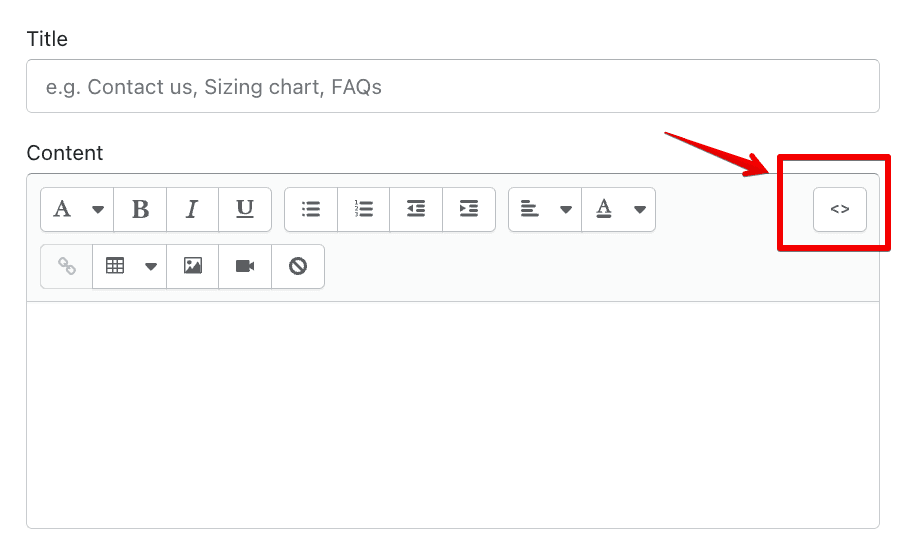
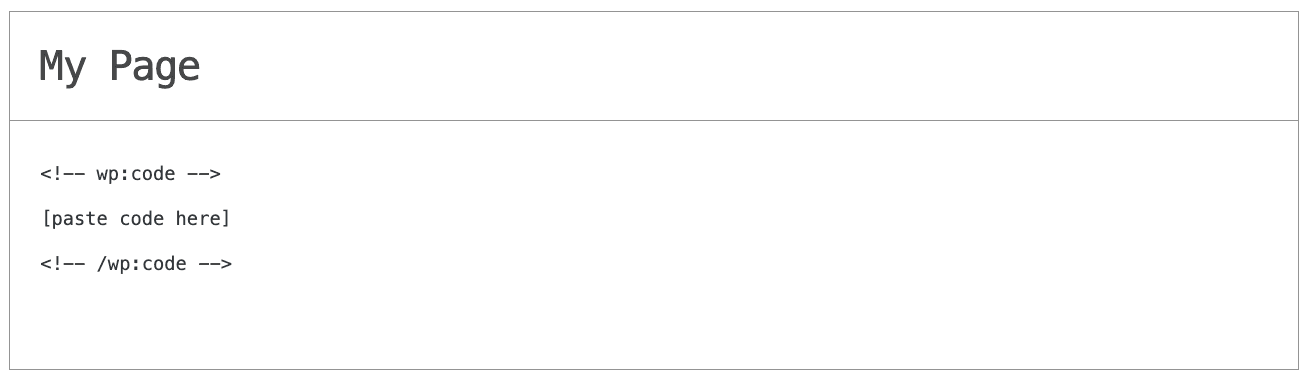
In this quick guide, you'll learn how to embed the LinkedIn Feed Slider into your website by generating your embed code and adding it seamlessly to your website.
How to Embed LinkedIn Feed Slider on Your Platform
Choose your platform to see detailed, step-by-step instructions for embedding LinkedIn Feed Slider seamlessly.


Embed LinkedIn Feed Slider on Your Website
Why Use This Widget
Use the LinkedIn Feed Slider widget when your brand builds credibility through professional updates and you want those posts visible on your site in a compact, dynamic format. A slider keeps the section lightweight while rotating through recent LinkedIn content automatically. This is ideal for B2B companies, agencies, founders, and recruiters who share insights, hiring news, or product announcements on LinkedIn. Visitors can scan short post previews without leaving your pages, getting a clear sense of activity and thought leadership. The auto updating stream keeps the site fresh and aligned with your real time presence. A well placed LinkedIn slider strengthens trust by showing consistent professional engagement and makes it easy for visitors to follow or learn more in context.
This tutorial was written by the Common Ninja product team, creators of interactive, no-code widgets for websites. Common Ninja helps over 500,000 users build engaging online experiences without coding.