How to add Instagram Slider to your website
Learn how to embed Common Ninja’s Instagram Slider on your website without coding.



In This Guide
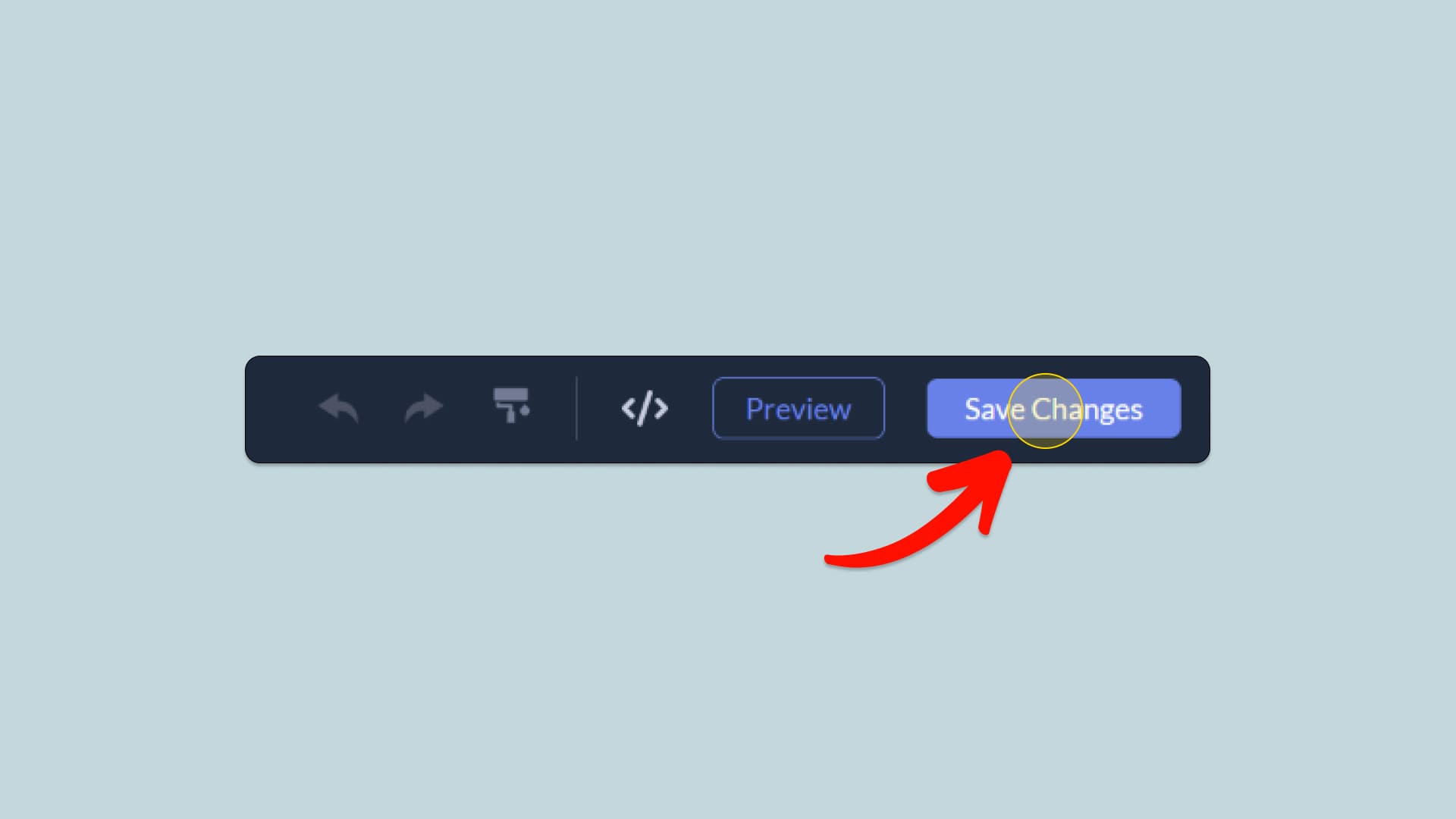
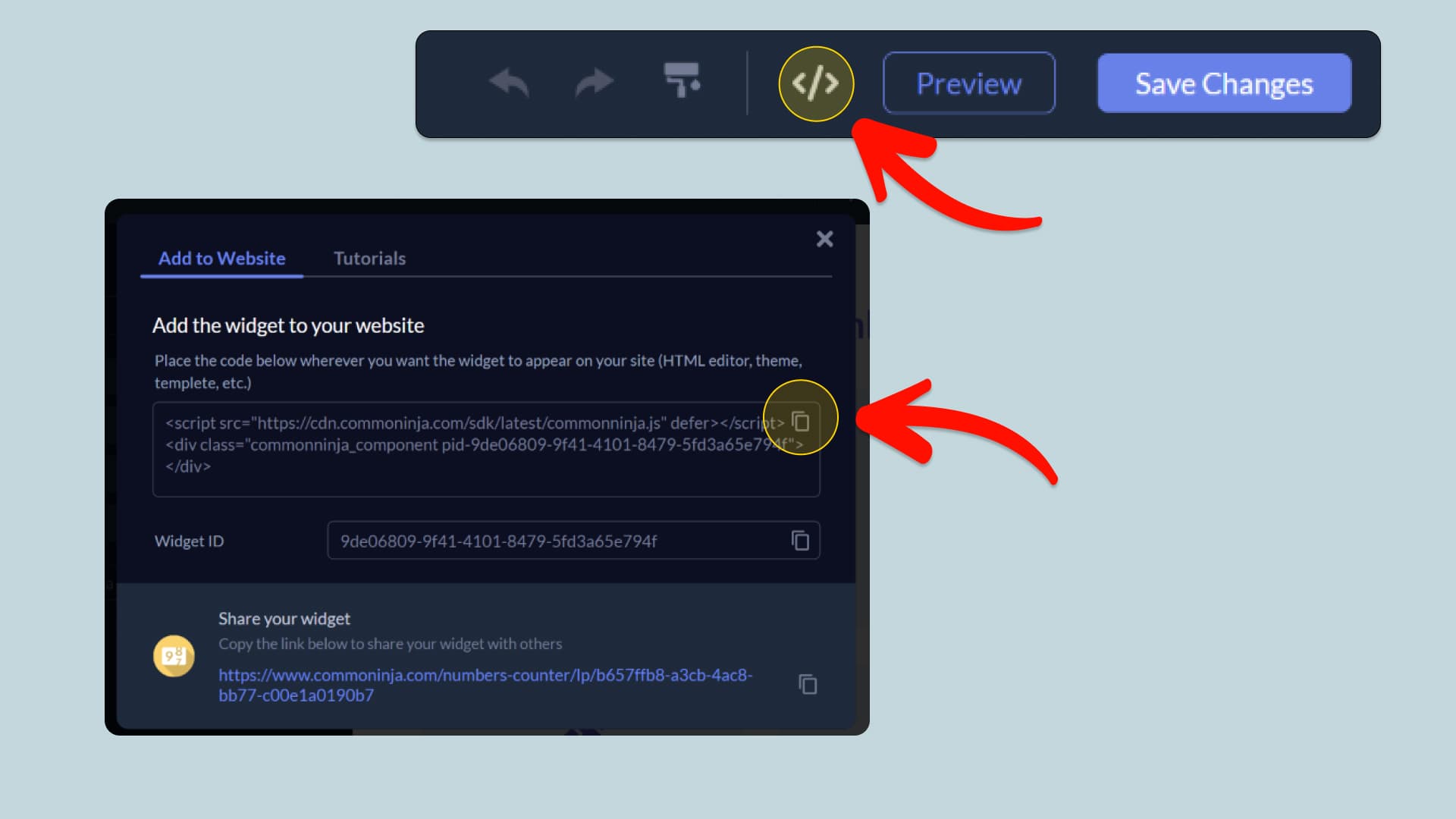
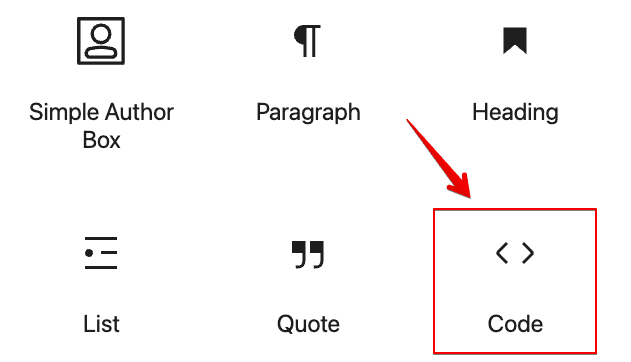
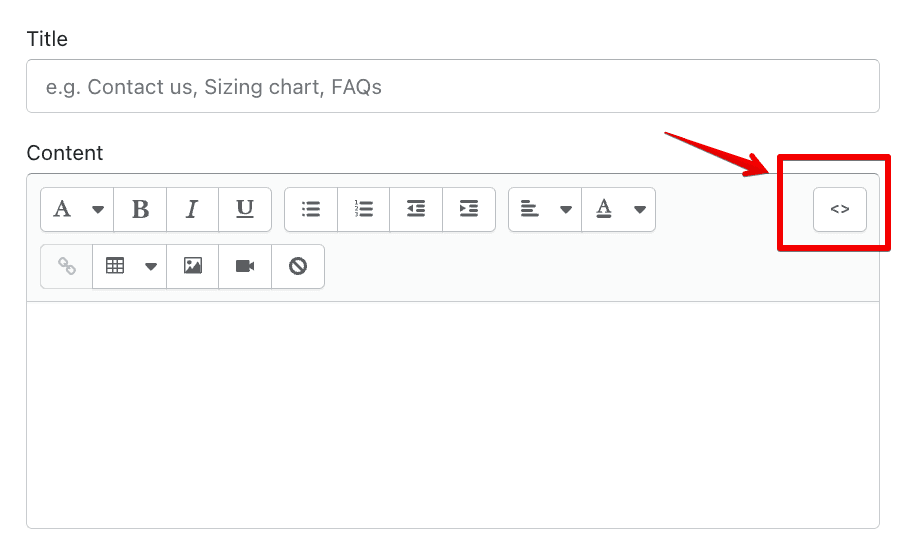
In this quick guide, you'll learn how to embed the Instagram Slider into your website by generating your embed code and adding it seamlessly to your website.
How to Embed Instagram Slider on Your Platform
Choose your platform to see detailed, step-by-step instructions for embedding Instagram Slider seamlessly.


Embed Instagram Slider on Your Website

Why Use This Widget
Use the Instagram Slider widget when you want to weave your social visuals into your site in a way that feels dynamic but contained. Instead of a static grid, the slider cycles through posts, which keeps the section lively and compact. This works well under hero areas, next to product sections, or on about pages where you want to show real life content. It lets visitors see how your brand looks in the wild and can drive new followers who like what they see. By connecting on site experience with active Instagram content, you reinforce your style and keep pages feeling current.
This tutorial was written by the Common Ninja product team, creators of interactive, no-code widgets for websites. Common Ninja helps over 500,000 users build engaging online experiences without coding.