How to add Interactive Maps to your website
Learn how to embed Common Ninja’s Interactive Maps on your website without coding.



In This Guide
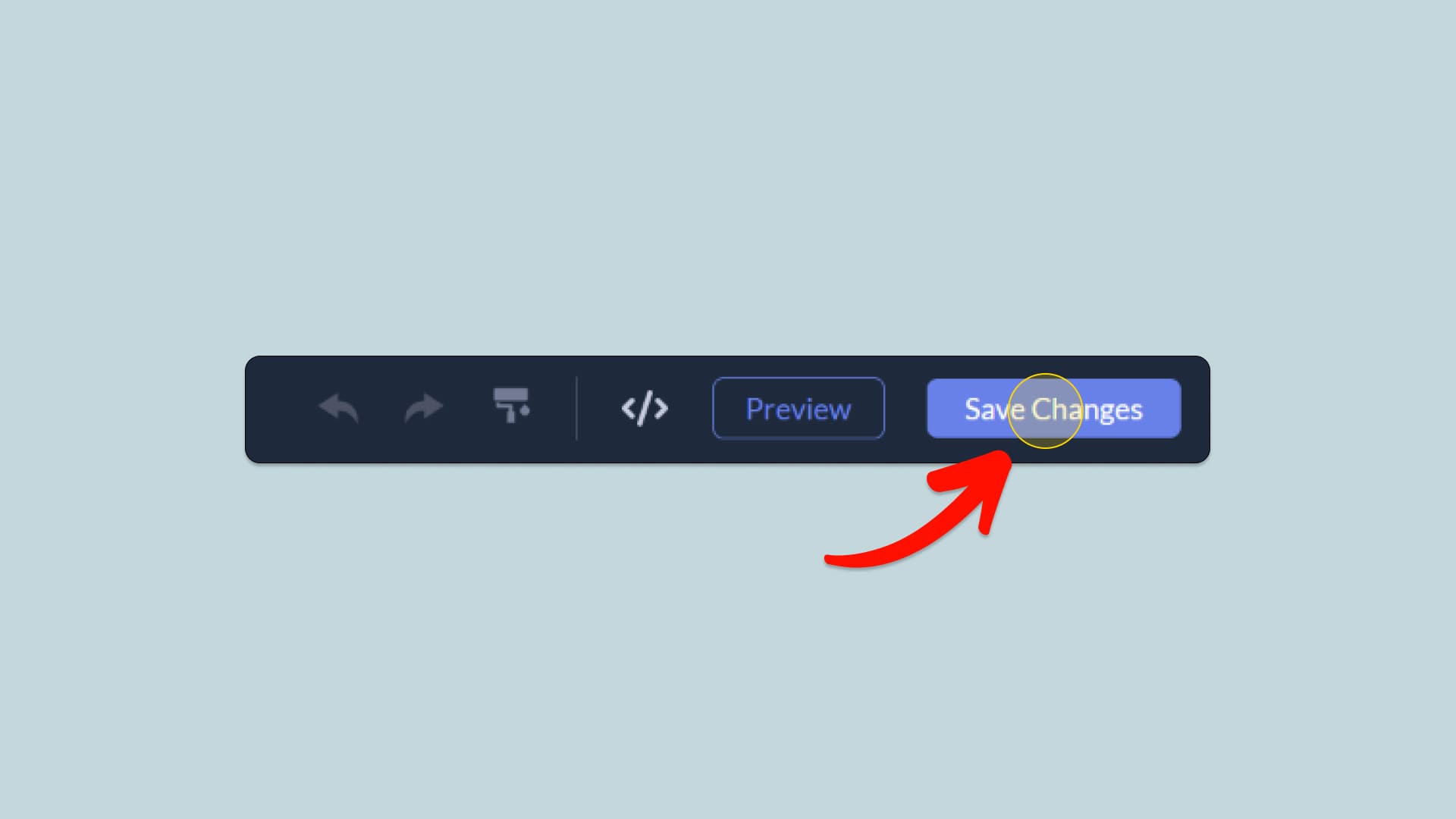
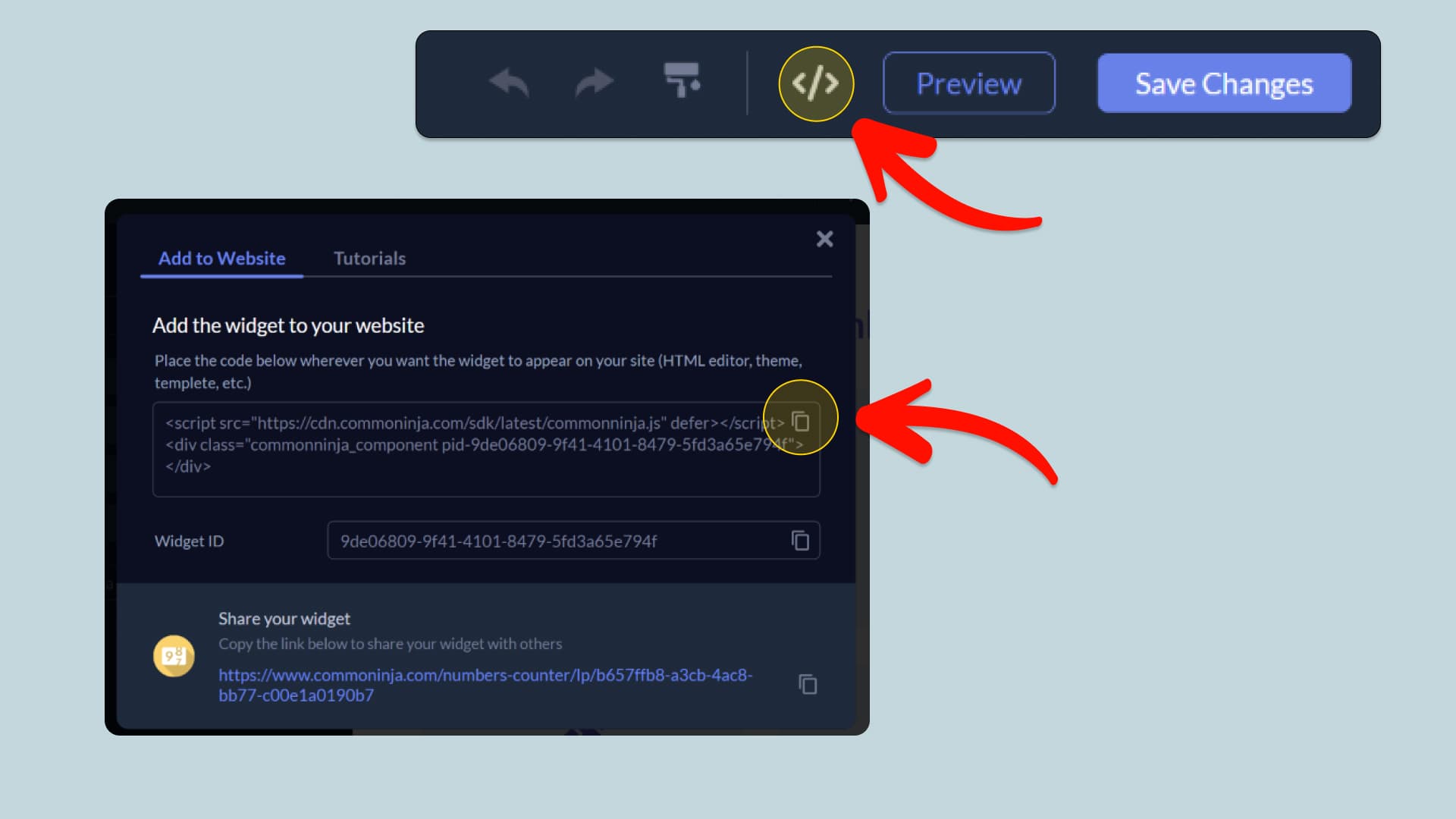
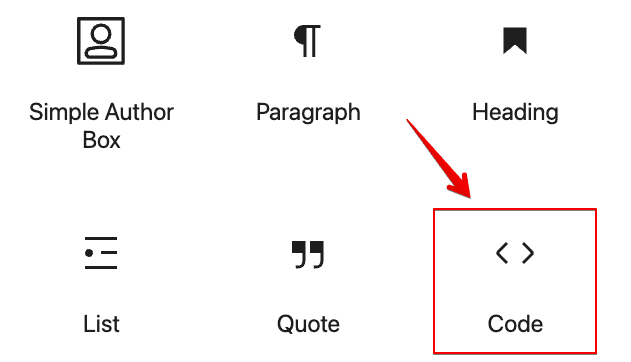
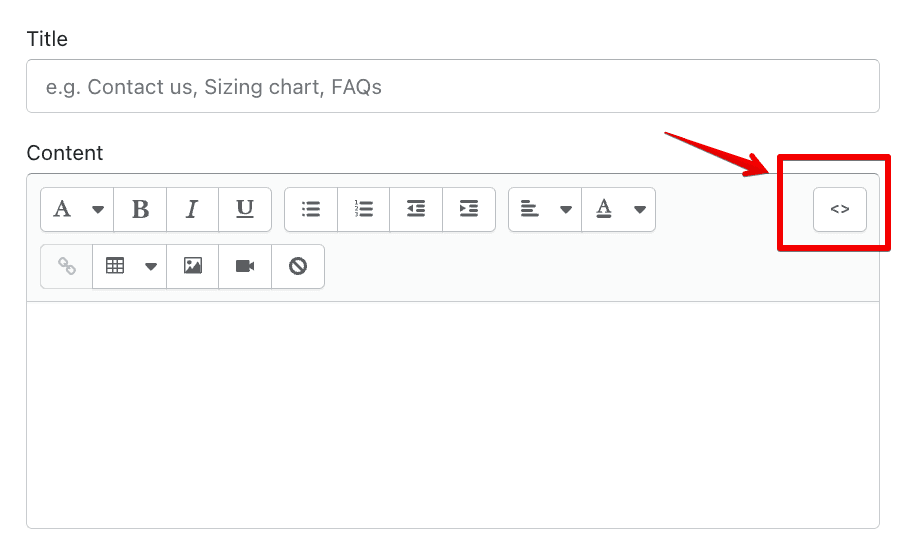
In this quick guide, you'll learn how to embed the Interactive Maps into your website by generating your embed code and adding it seamlessly to your website.
How to Embed Interactive Maps on Your Platform
Choose your platform to see detailed, step-by-step instructions for embedding Interactive Maps seamlessly.


Embed Interactive Maps on Your Website

Why Use This Widget
Use the Interactive Maps widget when you need to visualize geographic data or territory in a way that encourages exploration and understanding. Color coded regions, markers, and tooltips let visitors see patterns such as coverage, performance, or demographics at a glance. This is powerful for franchises, logistics, sales territories, statistics dashboards, travel sites, and educational content. Rather than static images, interactive maps respond to hover and click, revealing more details without cluttering the view. They help you tell stories about place, reach, and impact in a way that is intuitive even for users who do not enjoy reading tables or complex charts.
This tutorial was written by the Common Ninja product team, creators of interactive, no-code widgets for websites. Common Ninja helps over 500,000 users build engaging online experiences without coding.