


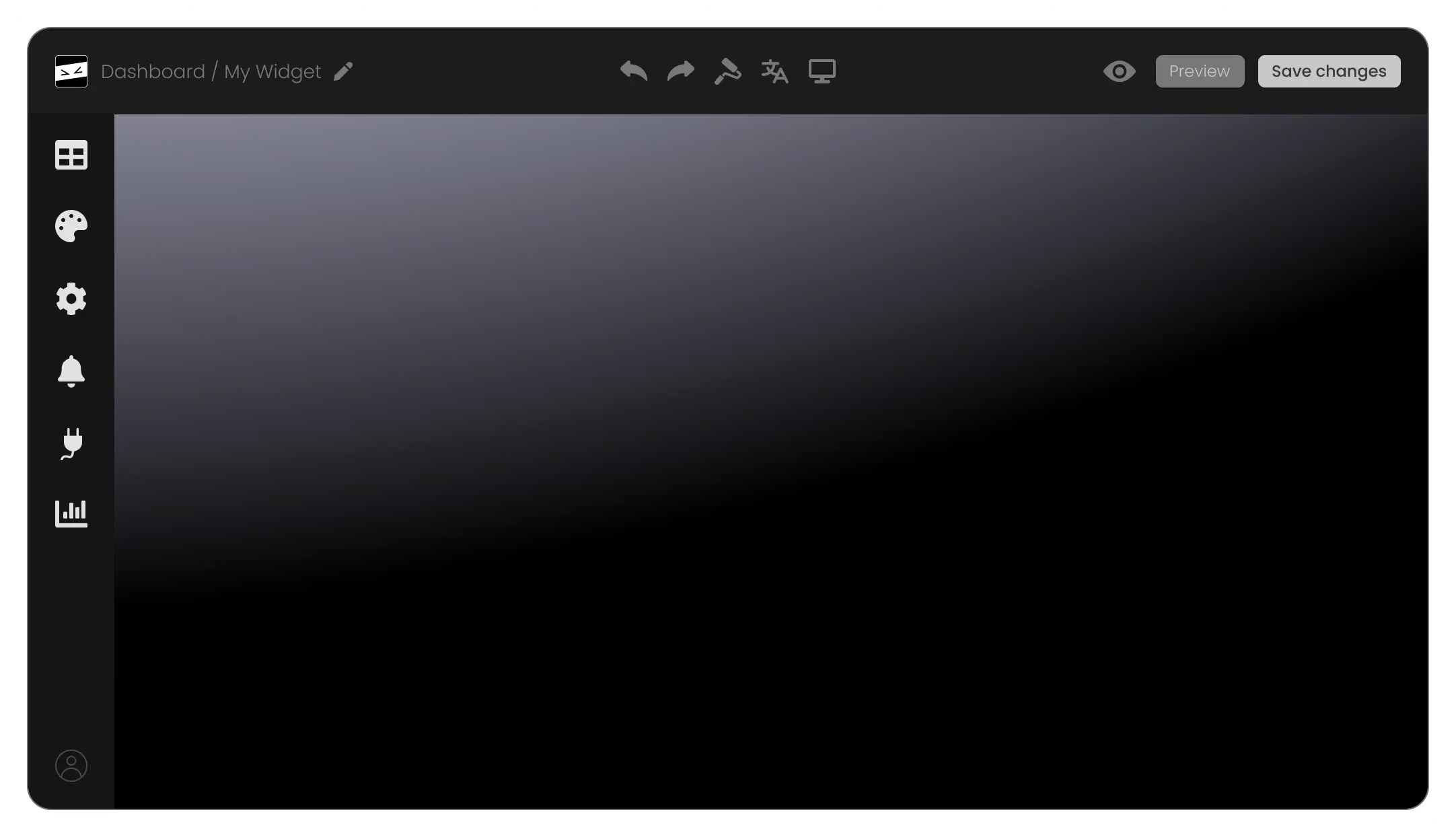
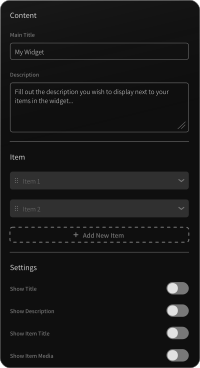
Integrated Media Support
Add images, videos, or icons directly into your Mega Menu to make it more interactive and visually engaging. This feature helps highlight important categories or promotions effectively.
Incorporating images, icons, and other design elements into your Mega Menu makes it visually appealing and helps users quickly identify the sections they are interested in.
By displaying multiple options and subcategories at once, Mega Menus encourage users to explore more areas of your website, potentially increasing interaction rates.
Mega Menus help in organizing content hierarchically, making it easier for users to understand the structure of your site and find the information they need.
Add images, videos, or icons directly into your Mega Menu to make it more interactive and visually engaging. This feature helps highlight important categories or promotions effectively.
Populate your menu dynamically by connecting it to your CMS, databases, or product catalogs. This ensures your menu stays updated automatically as new content is added to your site.
Choose between hover-triggered menus for quick access or click-triggered menus for a more deliberate user interaction. This flexibility caters to different user behaviors and preferences.
Organize complex site structures with multi-level submenus, allowing you to nest categories and subcategories without overwhelming users. This ensures easy navigation, even for large websites.
Add subtle animations to menu transitions, such as slide-in, fade-in, or dropdown effects. These animations make your Mega Menu feel modern and engaging without overwhelming the user.
The Mega Menu widget offers multiple layout options, ensuring seamless integration with your website’s design. Whether you prefer horizontal, vertical, or multi-column menus, you can select a layout that perfectly matches your site’s structure and style.
Choose from a wide array of pre-designed skins to create a visually stunning menu. These skins save time and effort while maintaining alignment with your brand’s aesthetics and website theme.
Personalize every aspect of your Mega Menu, from colors and fonts to spacing and hover effects. These customization options provide flexibility to craft a menu that is uniquely tailored to your website's needs.
The Mega Menu widget is fully responsive, ensuring a consistent user experience across all devices. It adapts seamlessly to different screen sizes, maintaining functionality and design integrity.
Unlock advanced customization options with the ability to add custom CSS. This feature allows developers and designers to fully control the widget’s look and feel.
Embed the Mega Menu on any website with a single line of code. Changes you make in the widget’s dashboard automatically sync, saving time and effort in managing updates.
The Mega Menu widget is a website navigation tool that allows you to create expansive, multi-column menus. It organizes your website’s content into easily accessible categories, enhancing navigation and user experience. Simply customize the widget, embed it on your website, and it will integrate seamlessly with your site’s design.
Yes, the Mega Menu widget is fully customizable. You can adjust colors, fonts, spacing, layout, and more to match your website’s branding. You can also choose from pre-designed skins or use custom CSS for advanced styling options.
Absolutely! The Mega Menu widget is designed to be fully responsive, ensuring it works flawlessly on desktops, tablets, and smartphones. It automatically adjusts to different screen sizes for a seamless user experience across all devices.
No, you don’t need any coding skills to use the Mega Menu widget. It features an intuitive drag-and-drop interface that allows you to design and customize your menu with ease. For advanced users, custom CSS options are available for deeper customization.
Yes, the Mega Menu widget supports media integration, allowing you to include images, icons, and even videos in your menu. This feature helps make your menu more visually appealing and functional.
Yes, the widget supports multi-level menus, enabling you to create nested submenus for complex site structures. This makes it easier for users to navigate large websites.
Embedding the Mega Menu is simple. After customizing your menu in the widget’s dashboard, you’ll receive a single line of code. Copy and paste this code into your website’s HTML, and your menu will appear instantly.
Yes, the Mega Menu widget includes role-based visibility controls. You can set specific menu items to be visible only to certain user roles, such as logged-in users, admins, or guests
Yes, the Mega Menu widget is designed with SEO best practices in mind. It uses structured markup to help search engines understand your site’s navigation, potentially improving your website’s ranking.
Yes, any changes you make in the widget’s editor will automatically update on your website. This eliminates the need for manual updates and ensures your menu always reflects the latest design and content.
Many Mega Menu widgets offer a free trial or demo version. Check the specific details on the widget provider’s page to explore its features before committing to a purchase.
The Mega Menu widget is ideal for websites with extensive content, such as e-commerce stores, blogs, corporate sites, and educational platforms. It helps organize large amounts of information in a clear, user-friendly manner.