How to add RSS Feed Carousel to your website
Learn how to embed Common Ninja’s RSS Feed Carousel on your website without coding.



In This Guide
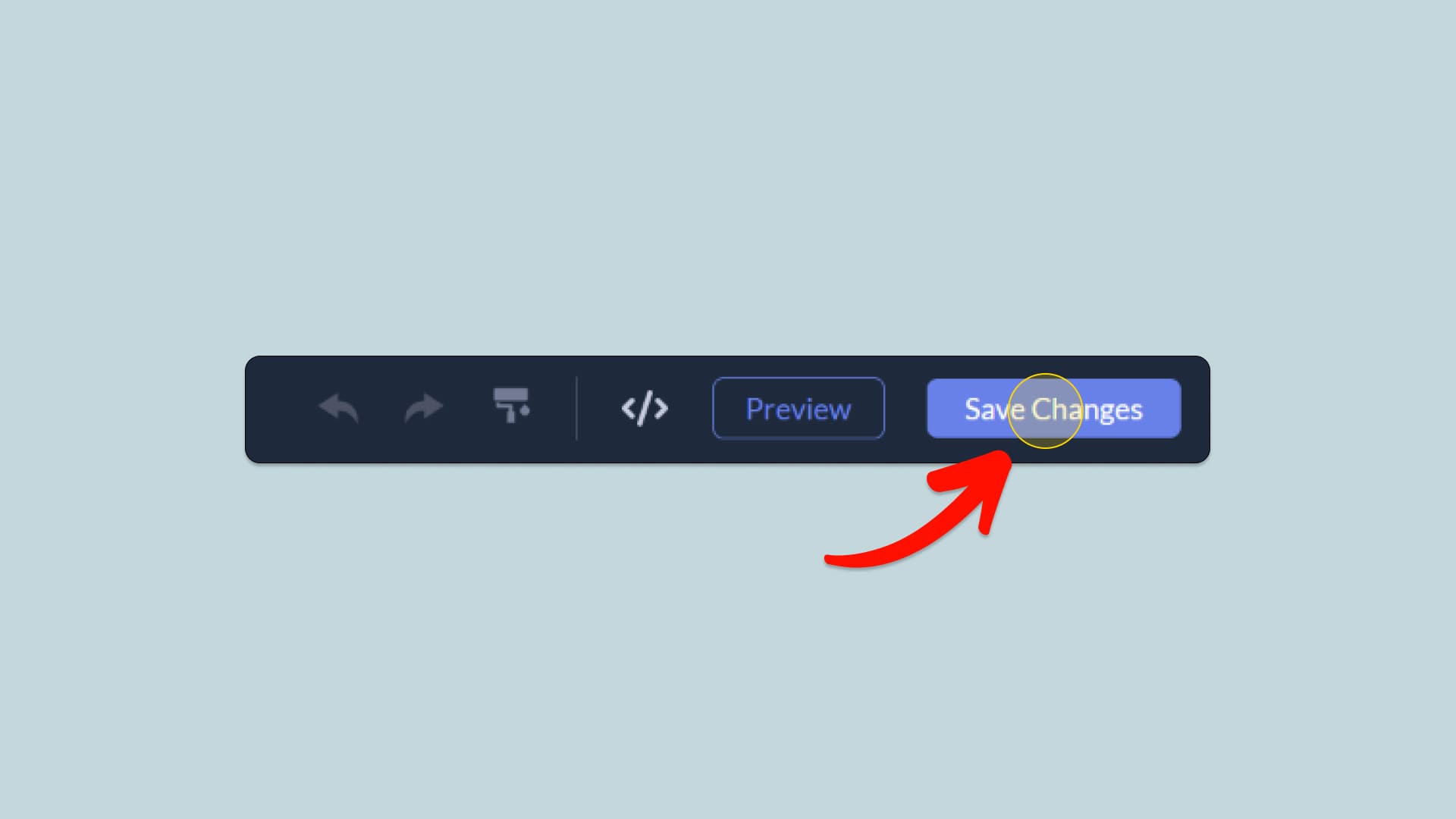
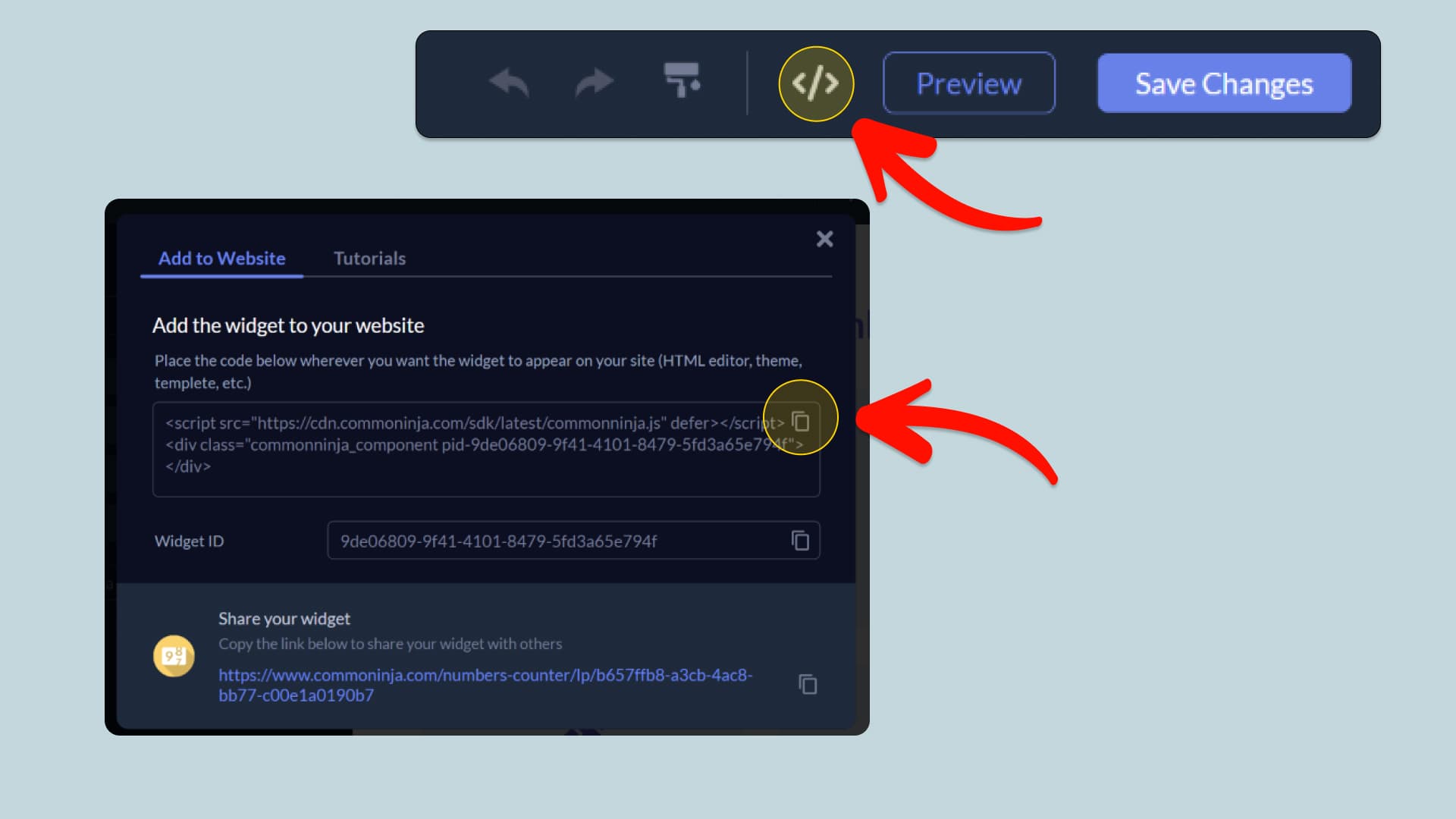
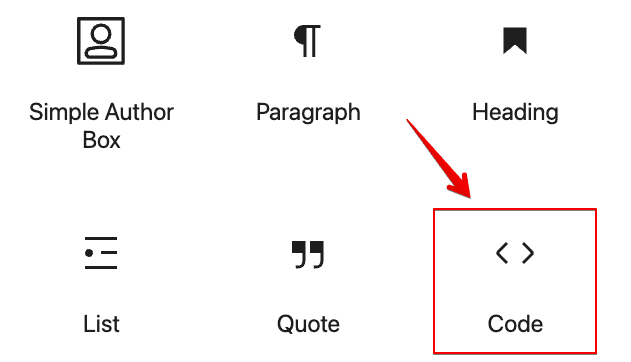
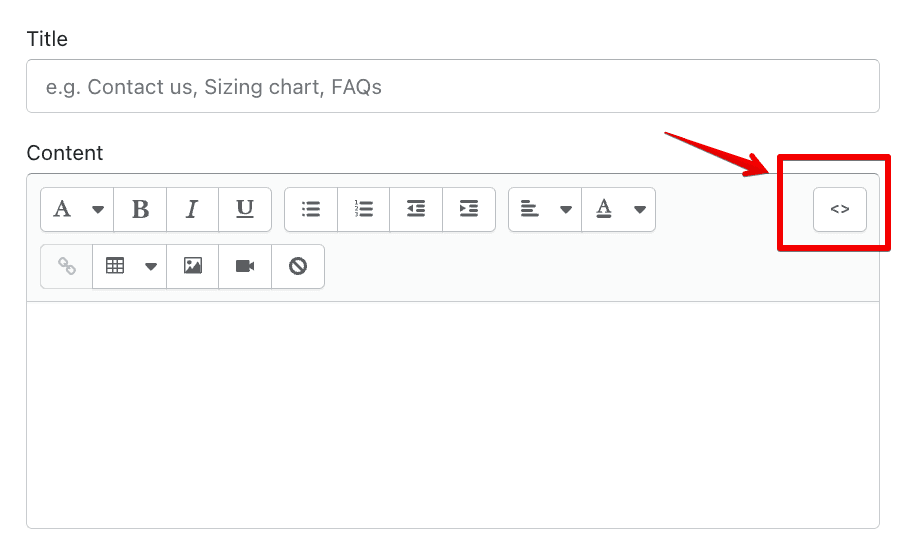
In this quick guide, you'll learn how to embed the RSS Feed Carousel into your website by generating your embed code and adding it seamlessly to your website.
How to Embed RSS Feed Carousel on Your Platform
Choose your platform to see detailed, step-by-step instructions for embedding RSS Feed Carousel seamlessly.


Embed RSS Feed Carousel on Your Website

Why Use This Widget
Use the RSS Feed Carousel widget when you want to display updates from blogs, news sources, or other sites in a way that feels dynamic and condensed. It pulls items from RSS feeds and presents them in a scrolling carousel, so visitors see several headlines and summaries without scrolling through a long list. This is useful for news hubs, content aggregators, partner programs, or documentation changelogs. Automatic updates keep your page fresh as new posts appear. By surfacing external or internal content in a rotating strip, you give users an easy way to spot what is new and click through to deeper reading.
This tutorial was written by the Common Ninja product team, creators of interactive, no-code widgets for websites. Common Ninja helps over 500,000 users build engaging online experiences without coding.