


Verified review
Common Ninja has amazing no-code widgets that would beautify a website built on any builder. It is very easy to use and customise. It has as many widgets for almost everyone willing to make their website impressive.
Try the editor, no signup
Pick a template, customize it, and watch it update live, no signup.
No credit card · Free forever plan
No credit card · Free forever plan
The Common Ninja RSS Feed Slider is a free, no-code widget that shows items from any RSS feed one at a time on your website. Paste the feed URL, style the slide, and add one line of embed code.
Because it takes an RSS URL rather than a platform login, it works with almost any source: a blog, a news site, a podcast, a job board, a status page, or your own CMS.
The feed refreshes itself, items are clickable, and custom CSS is available. Works on 200+ platforms including WordPress, Wix, Shopify, Squarespace, and Webflow.
There is no widget for every site on the internet, but almost every publisher still emits RSS. If the source you want has a feed URL, this displays it, which makes it the fallback when nothing platform-specific exists.
Industry news gives a thin page a reason to be revisited. Point the slider at a publication in your field and the section refreshes itself, without you writing a weekly roundup.
If the blog lives on one platform and the marketing site on another, the feed URL bridges them. No export, no migration, no second copy of the posts to keep in step.
Podcast hosts and many job boards publish RSS, so the same widget can show latest episodes or open roles. One tool covers cases that would otherwise each need their own integration.
Give the widget any RSS or Atom feed address. Most blogs, news sites, and podcast hosts publish one, usually at a path ending in feed or rss, and no account or key is needed to read it.
Set the styling and how large each item runs. Feed items carry a headline and a summary, so give the text room rather than sizing the slide as if it were a photograph.
Copy the snippet from the Add to Website tab and paste it where the slider belongs. The source publishes and your page follows, with nothing to update.
An RSS URL is all it needs. No platform login, no API key, no developer application, and no per-source integration to maintain.
The source publishes and the slider follows, so the section is current without anyone editing the page.
Each slide links to the original article or episode, so the slider is a route to the source rather than a summary that dead-ends on your page.
Scales to the screen width so headlines stay readable on a phone, and a custom CSS field for exact design matching. One embed snippet, 200+ platforms.

Bring your RSS feed content to life with hover effects that activate as users navigate through the slider. These subtle animations provide a dynamic and engaging user experience.
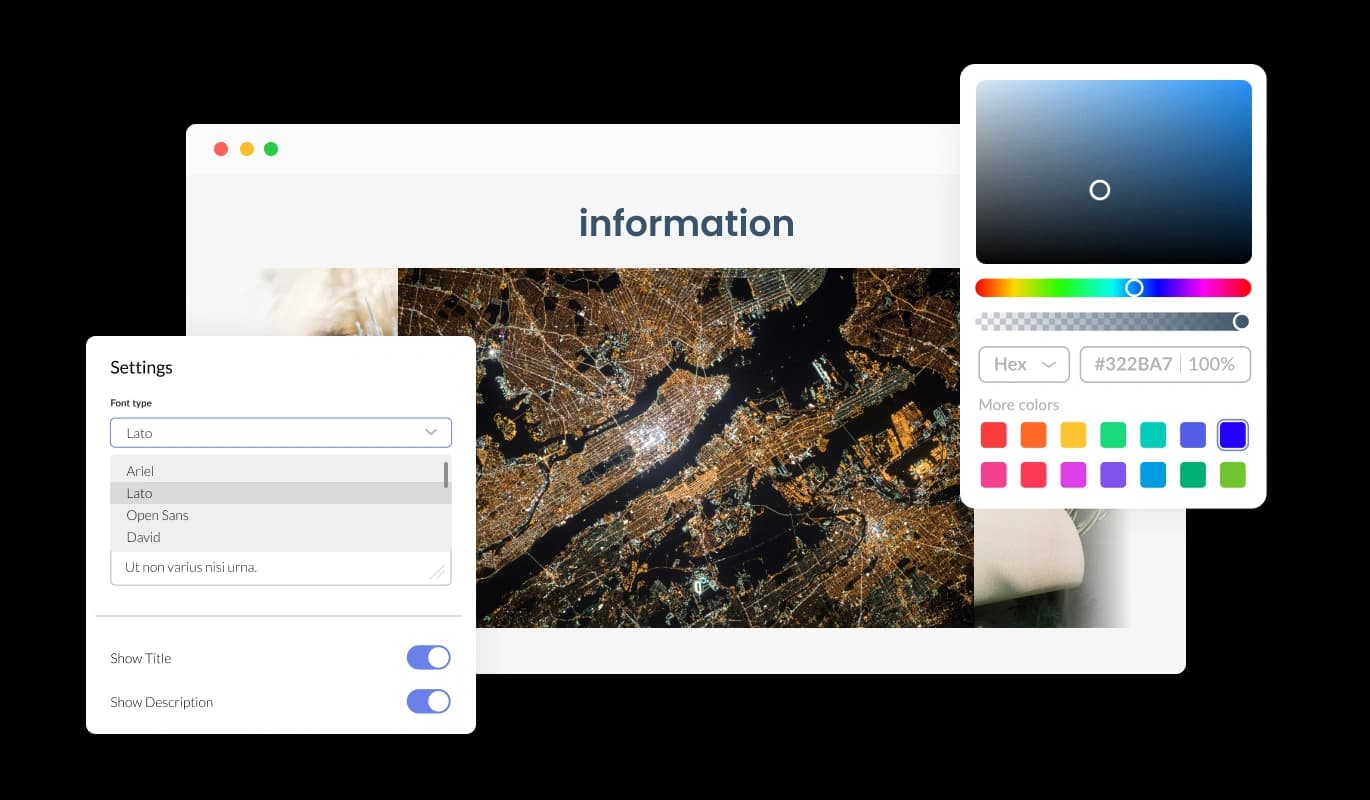
Personalize the RSS Feed Slider to align with your site’s design. Customize colors, fonts, layouts, and other elements to create a seamless visual fit with your branding.
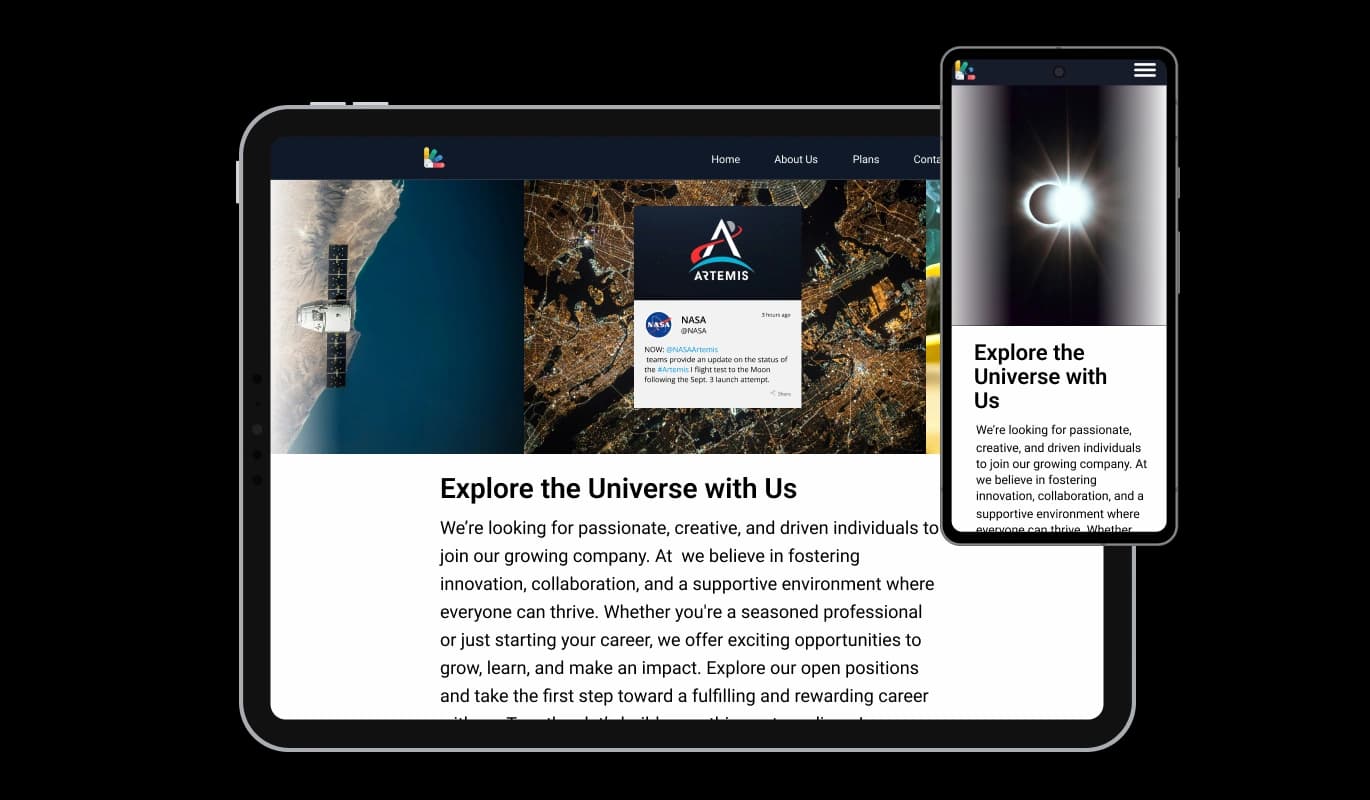
The RSS Feed Slider automatically adjusts to any screen size, ensuring your content is beautifully displayed on desktops, tablets, and smartphones.
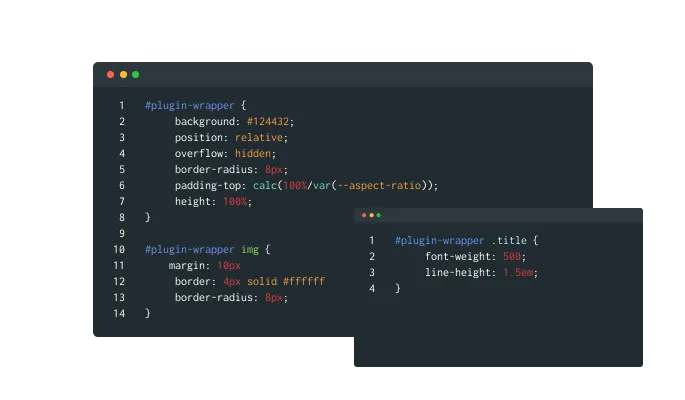
For more advanced customization, the RSS Feed Slider supports custom CSS. Developers and designers can tweak the widget’s appearance and functionality to fit unique requirements.
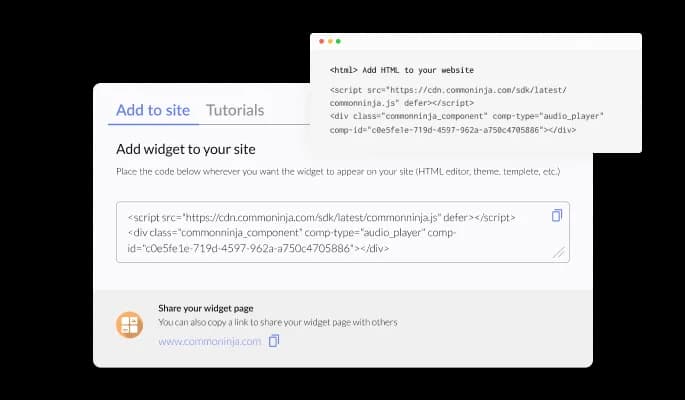
Embed the RSS Feed Slider on any website with a single line of code. It is compatible with all major website platforms, ensuring hassle-free integration.
Keep your content fresh with the widget’s auto-refresh feature. It updates automatically to display the latest articles or posts from your RSS feeds without manual effort.
Each item in the RSS Feed Slider can be made clickable, allowing users to access full articles or posts directly from the slider. This feature encourages interaction and deeper exploration.
The widget is designed for ease of use, requiring no coding skills to set up. With an intuitive interface, you can have it running on your site in minutes.
Build your RSS slider in the editor
Open the editorFree to use · No credit card · No signup to try it
Common Ninja has amazing no-code widgets that would beautify a website built on any builder. It is very easy to use and customise. It has as many widgets for almost everyone willing to make their website impressive.
Outstanding service. I use their widgets to help me with my web design business and whenever I need help they are very quick to help.
Excellent company with excellent service!!! We used it to build a survey, it was very user friendly. The service was perfect. Amit helped us with every problem and question we had, thank you very much!!!
Common Ninja saved the day when building our website and the customer service Daniel, the co-founder and CEO, provided was amazing.
Most publishers put it at a predictable path: try adding /feed, /rss, or /feed.xml to the site address. WordPress sites almost always answer at /feed. Many sites also declare it in the page source, and podcast hosts list the feed URL in the show settings. If none of those work, the site may not publish one, and then this widget cannot read it.
Use the slider for one item at a time at full width, which suits headlines you want read. Use the carousel for several items rotating in one band, which suits a news strip where the point is showing the section is live. Both are free and both take the same feed URL.
Both formats are standard feed types and are handled the same way. If a source offers a choice, either URL is fine; if one does not load, try the other before assuming the widget is at fault.
Yes, and it is one of the most useful cases. Paste your blog's feed URL and the posts appear on your marketing site, store, or landing page. Nothing is republished, so there is no duplicate content and no migration.
A public RSS feed is published for exactly this purpose, and the slider shows headlines and summaries linking back to the source rather than reproducing full articles. Even so, if you are building something commercial around a publisher's content, it is worth checking their terms rather than assuming.
As many as the feed publishes, which is commonly the ten or twenty most recent rather than a full archive. That is a limit of RSS itself rather than the widget, so treat it as a latest-items section and not as a searchable back catalogue.
The slider shows the items it last retrieved rather than breaking the page, so a source having an outage does not leave a hole in your layout. If a feed is permanently gone, swap the URL in the editor.
Yes, it scales to the screen width, and one item at a time suits a narrow screen well. Check the slide height if the feed's summaries are long.
Pick your platform. Each takes under 4 minutes.

Display the latest posts from any RSS feed

Display the latest posts from any platform and website's RSS feed

Display the latest posts from your Linkedin page
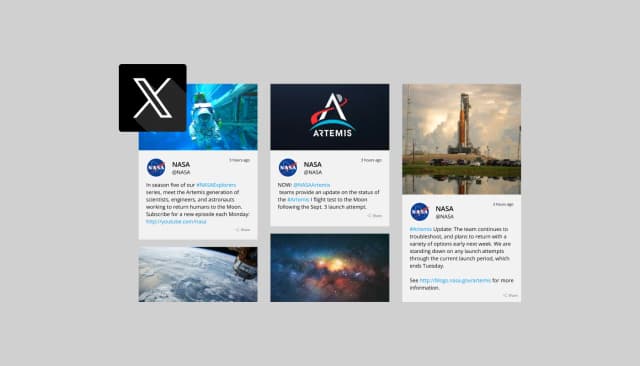
Display the latest tweets from your X

Display the latest posts from your Instagram page

Display a feed of the latest posts from a Facebook user or page
The RSS Feed Slider Widget is a tool that allows you to display RSS feed items in a scrolling slider format, creating an engaging and dynamic way to showcase your content on your website.
The widget syncs automatically with your RSS feed, fetching and displaying the latest updates without any manual action required.
Yes, you can fully customize the slider’s appearance, including its colors, fonts, layout, and hover effects, to align with your website’s design and branding.
Absolutely! The widget is optimized to look and function perfectly on all screen sizes, from desktops to tablets and mobile devices.
Yes, visitors can click on items in the slider to view the full content directly, making it an interactive and engaging experience.
No, the widget is user-friendly and requires no coding skills. It is designed for quick setup and easy customization.
Yes, you can control how fast the slider scrolls and the duration each feed item stays visible, tailoring the display to your needs.
Yes, for advanced users, the RSS Feed Slider Widget offers support for custom CSS, allowing detailed personalization of its design and functionality.
You can display as many items as you prefer, depending on the available space on your website and your specific requirements.
Yes, the RSS Feed Slider includes intuitive navigation tools such as arrows and dots, making it easy for users to browse through your feed content.
Yes, you can combine multiple RSS feeds into a single slider, providing a comprehensive view of content from various sources.
No, the widget is lightweight and optimized for speed, ensuring it won’t slow down your website.
Yes, the widget works with all major website builders and CMS platforms, allowing seamless integration.
Yes, you can embed the widget on as many pages or websites as you like, depending on your needs.
Our support team is available through the widget dashboard or on our website to assist with any questions or technical issues.
Any RSS or Atom feed shown one item at a time, refreshing itself, with clickable items, full responsiveness, and custom CSS. No account, no API key, and no per-source integration. Embed on 200+ platforms including WordPress, Wix, Shopify, Squarespace, and Webflow.
Create your RSS sliderFree to use · No credit card · No coding