How to add Scroll Progress to your website
Learn how to embed Common Ninja’s Scroll Progress on your website without coding.



In This Guide
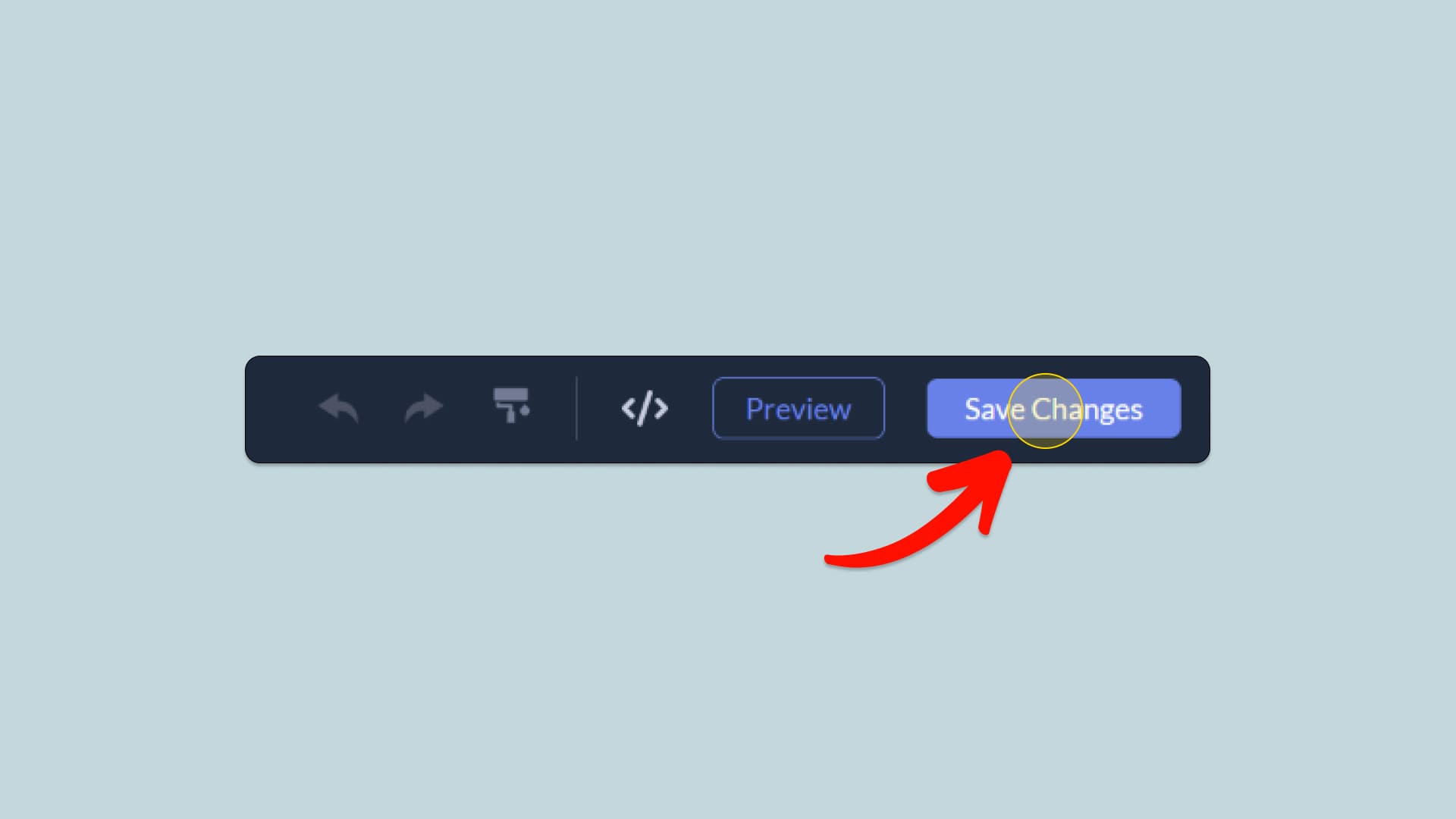
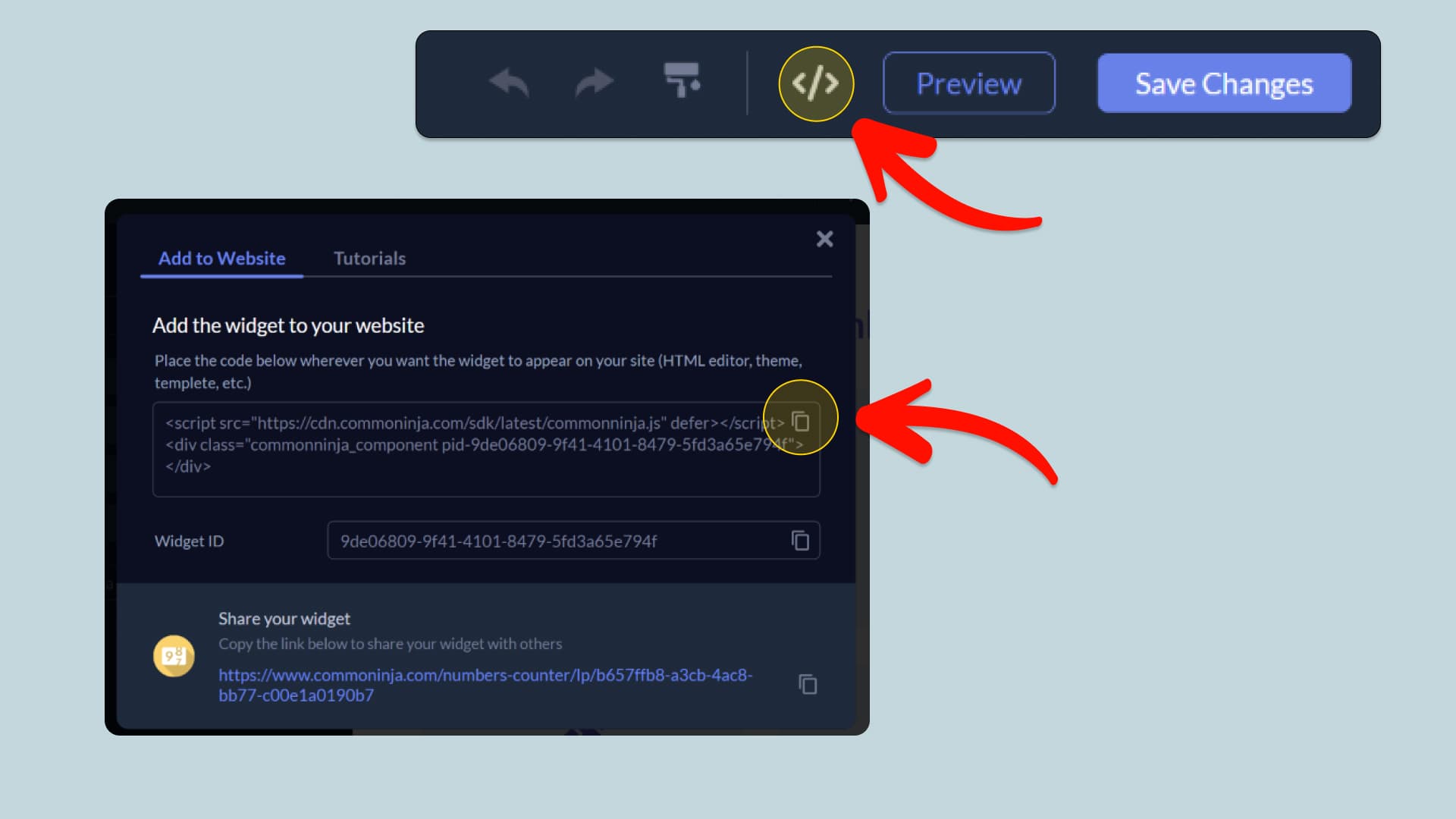
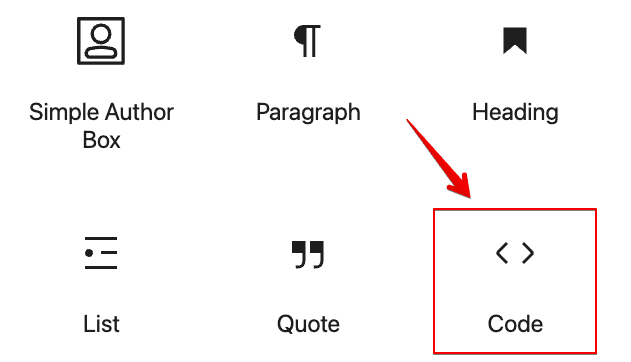
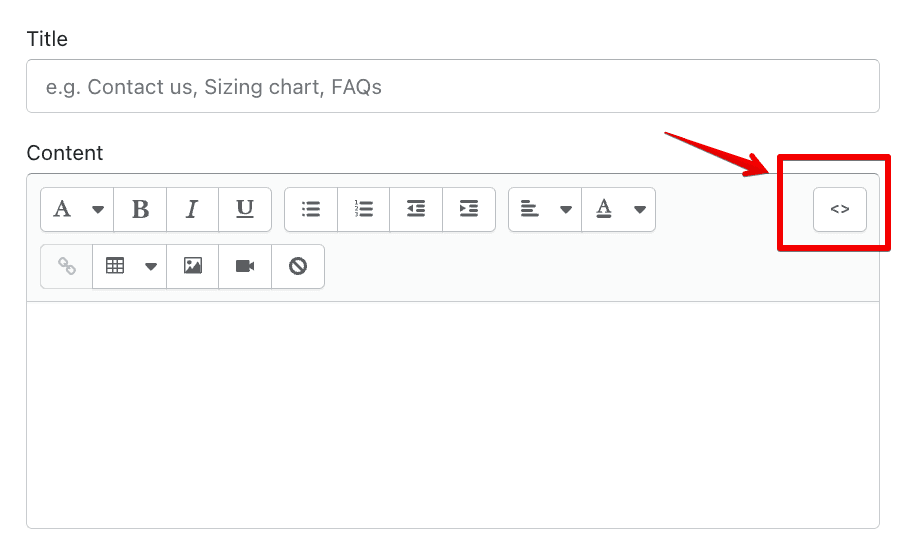
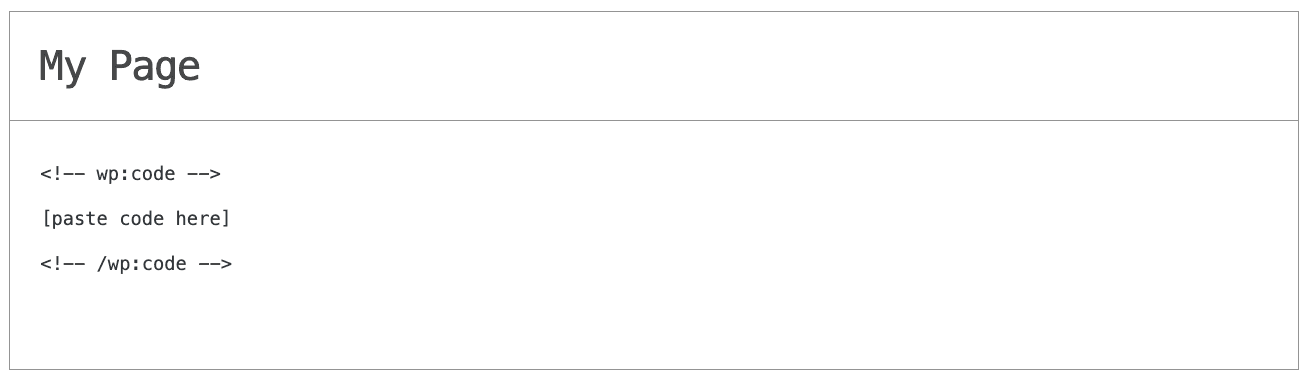
In this quick guide, you'll learn how to embed the Scroll Progress into your website by generating your embed code and adding it seamlessly to your website.
How to Embed Scroll Progress on Your Platform
Choose your platform to see detailed, step-by-step instructions for embedding Scroll Progress seamlessly.


Embed Scroll Progress on Your Website
Why Use This Widget
Use the Scroll Progress widget when you publish long pages and want visitors to feel oriented rather than lost. A progress indicator shows how much content remains, which helps users pace themselves and reduces the fatigue that can cause early exits. This is especially useful for blogs, guides, documentation, landing pages, and storytelling layouts. Knowing they are making progress encourages readers to keep going, and reaching the end feels more achievable. The bar also helps users locate themselves if they return to a page later. With a subtle, consistent design, scroll progress improves navigation without adding clutter, leading to longer reading sessions and better engagement with your key content.
This tutorial was written by the Common Ninja product team, creators of interactive, no-code widgets for websites. Common Ninja helps over 500,000 users build engaging online experiences without coding.