How to add Sticky Video to your website
Learn how to embed Common Ninja’s Sticky Video on your website without coding.



In This Guide
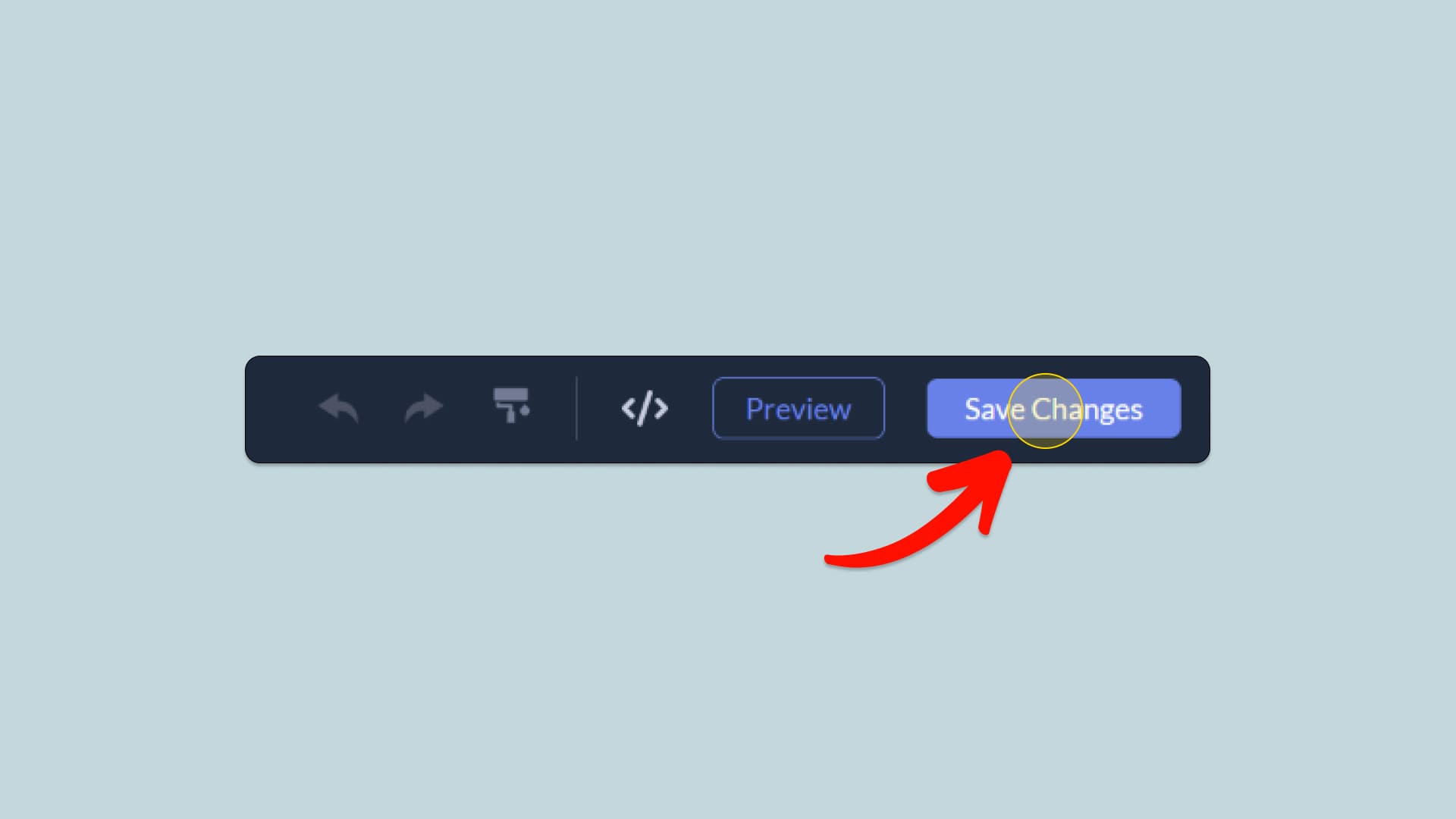
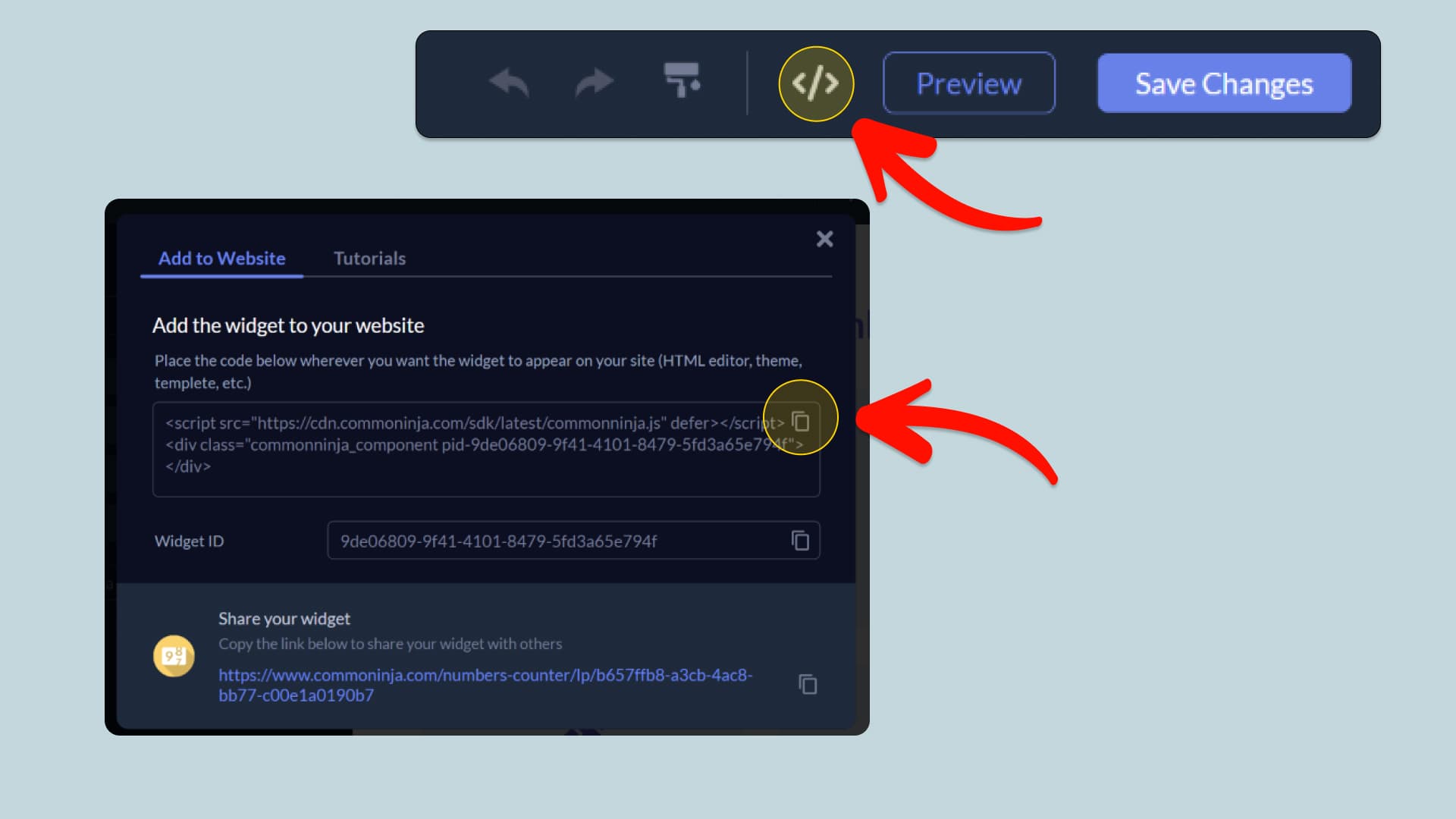
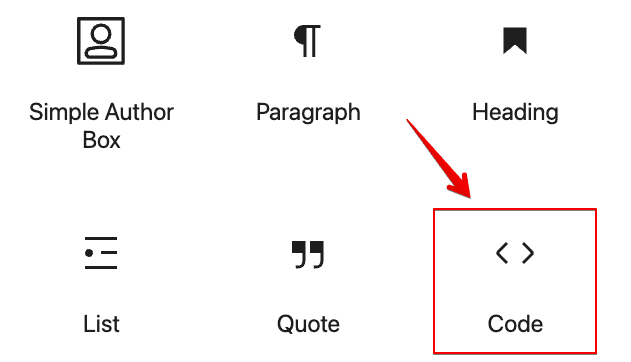
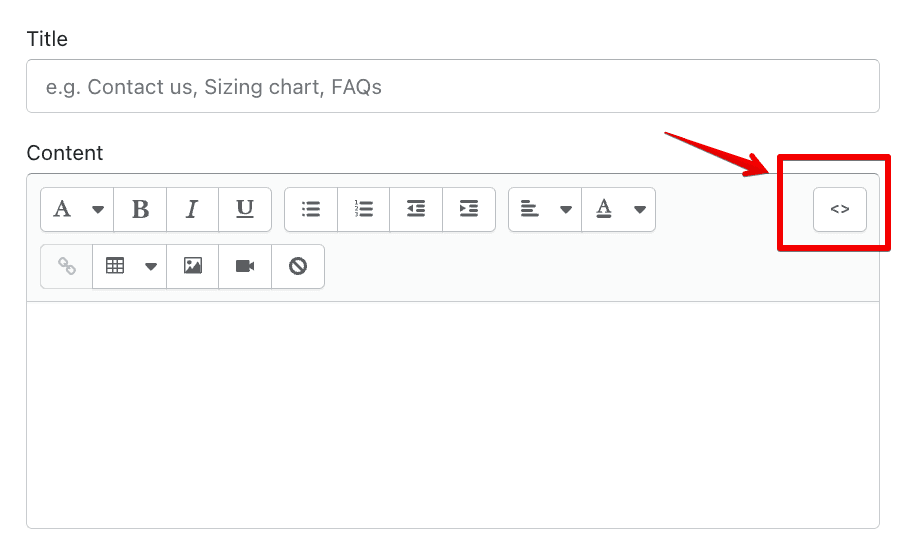
In this quick guide, you'll learn how to embed the Sticky Video into your website by generating your embed code and adding it seamlessly to your website.
How to Embed Sticky Video on Your Platform
Choose your platform to see detailed, step-by-step instructions for embedding Sticky Video seamlessly.


Embed Sticky Video on Your Website

Why Use This Widget
Use the Sticky Video widget when you want a key video to remain visible while users scroll through related content. As visitors move down the page, the video shrinks into a corner and keeps playing, making sure your explanation, demo, or talk track stays with them. This is useful for long sales pages, tutorials, product documentation, and news articles where the video sets context for what follows. Sticky playback increases completion rates, keeps your message in view, and reduces the chance that users forget or abandon the video once they start reading. It creates a more immersive, connected experience between text and media.
This tutorial was written by the Common Ninja product team, creators of interactive, no-code widgets for websites. Common Ninja helps over 500,000 users build engaging online experiences without coding.