How to add Stop Motion Player to your website
Learn how to embed Common Ninja’s Stop Motion Player on your website without coding.



In This Guide
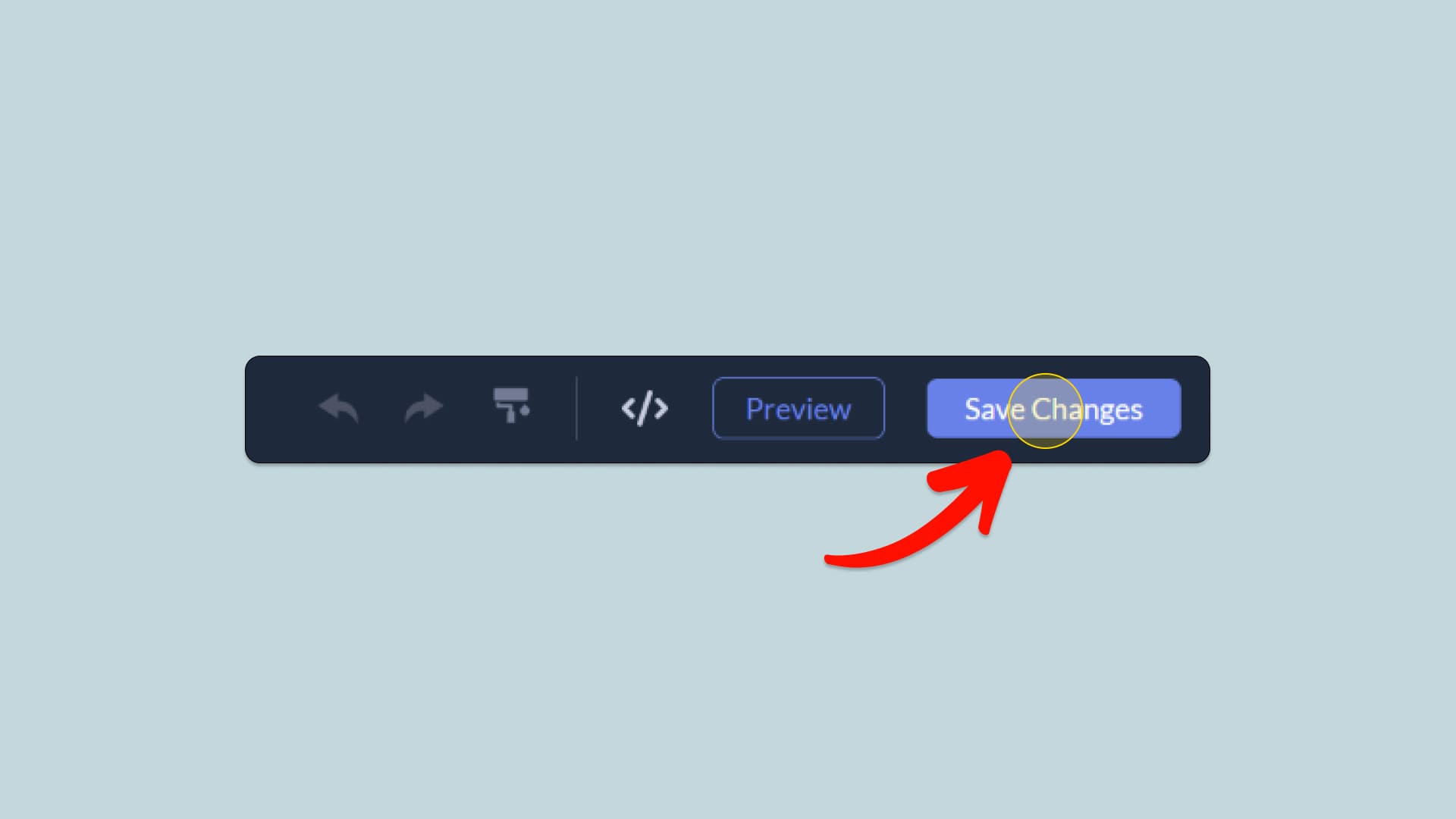
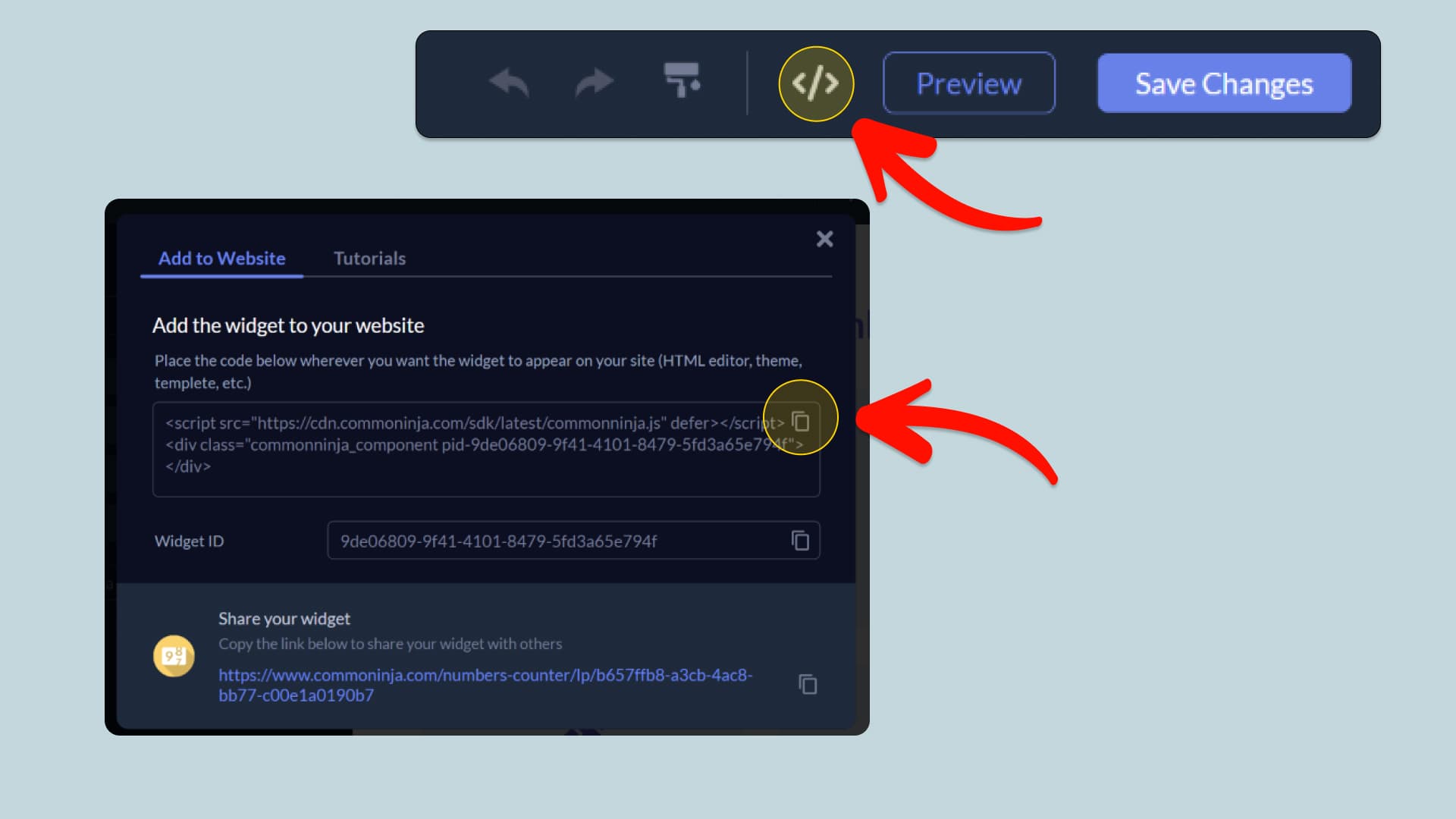
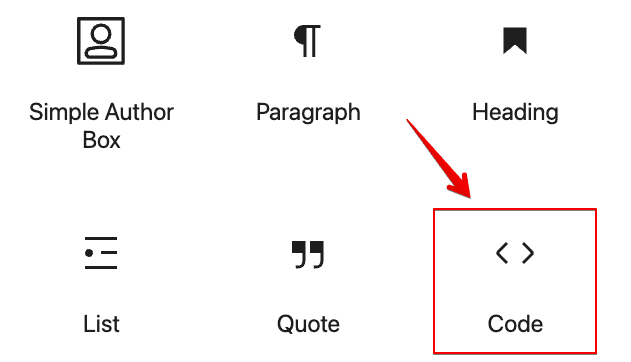
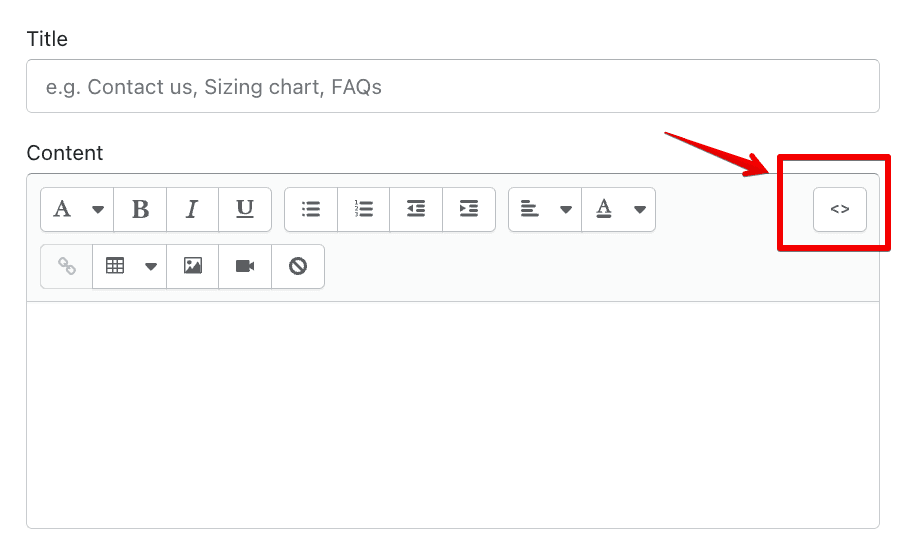
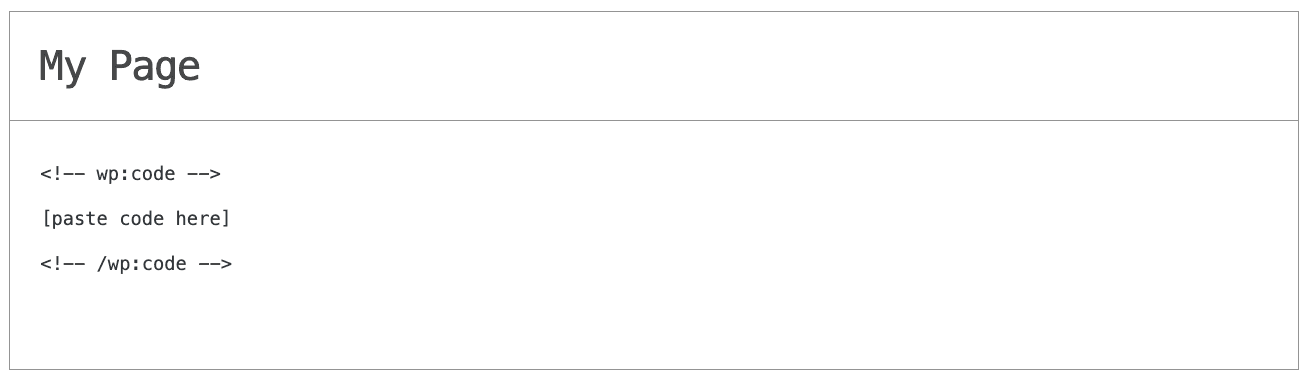
In this quick guide, you'll learn how to embed the Stop Motion Player into your website by generating your embed code and adding it seamlessly to your website.
How to Embed Stop Motion Player on Your Platform
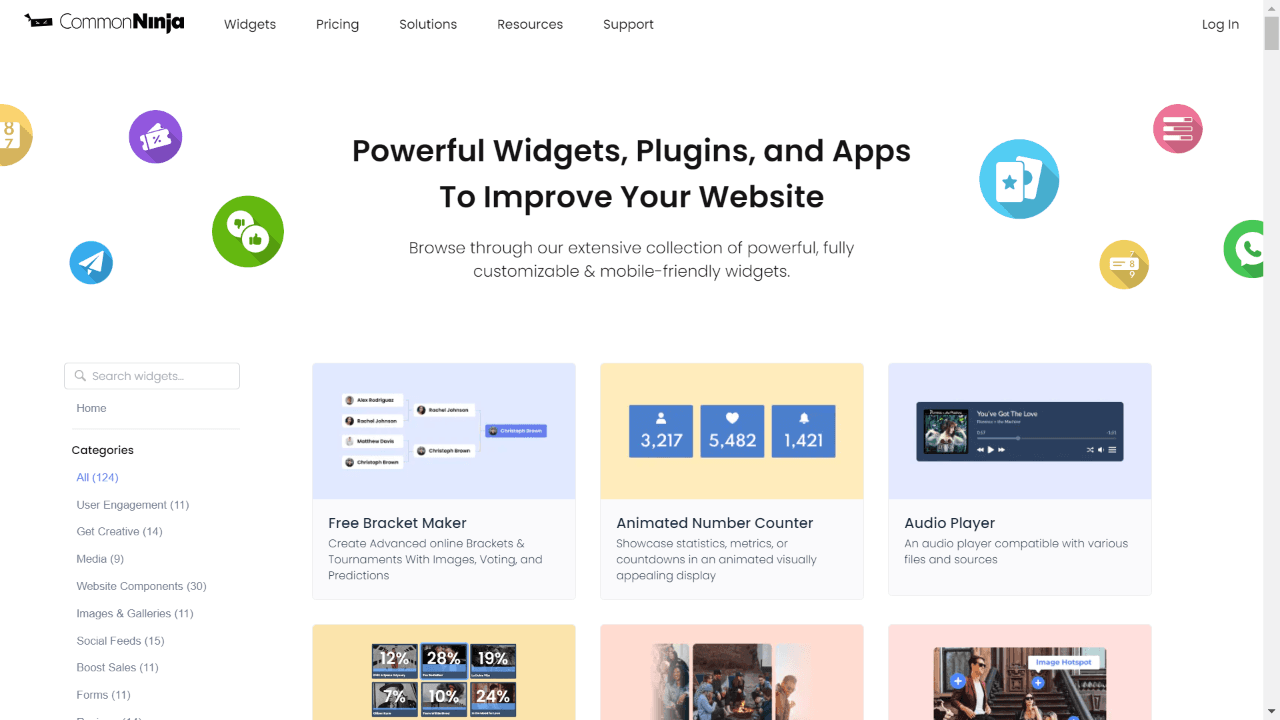
Choose your platform to see detailed, step-by-step instructions for embedding Stop Motion Player seamlessly.


Embed Stop Motion Player on Your Website
Why Use This Widget
Use the Stop Motion Player widget when you want to tell a visual story frame by frame using a sequence of images rather than a standard video. It lets you control pacing and interactivity while keeping file sizes manageable. This is ideal for product rotations, step by step processes, creative animations, and playful branding moments. Visitors can watch as an object changes, a drawing evolves, or a concept comes to life. Stop motion has a distinctive, handcrafted feel that can differentiate your brand. With a dedicated player, you avoid stitching assets externally and still give users smooth, engaging playback on your site.
This tutorial was written by the Common Ninja product team, creators of interactive, no-code widgets for websites. Common Ninja helps over 500,000 users build engaging online experiences without coding.