How to add Subscription Button to your website
Learn how to embed Common Ninja’s Subscription Button on your website without coding.



In This Guide
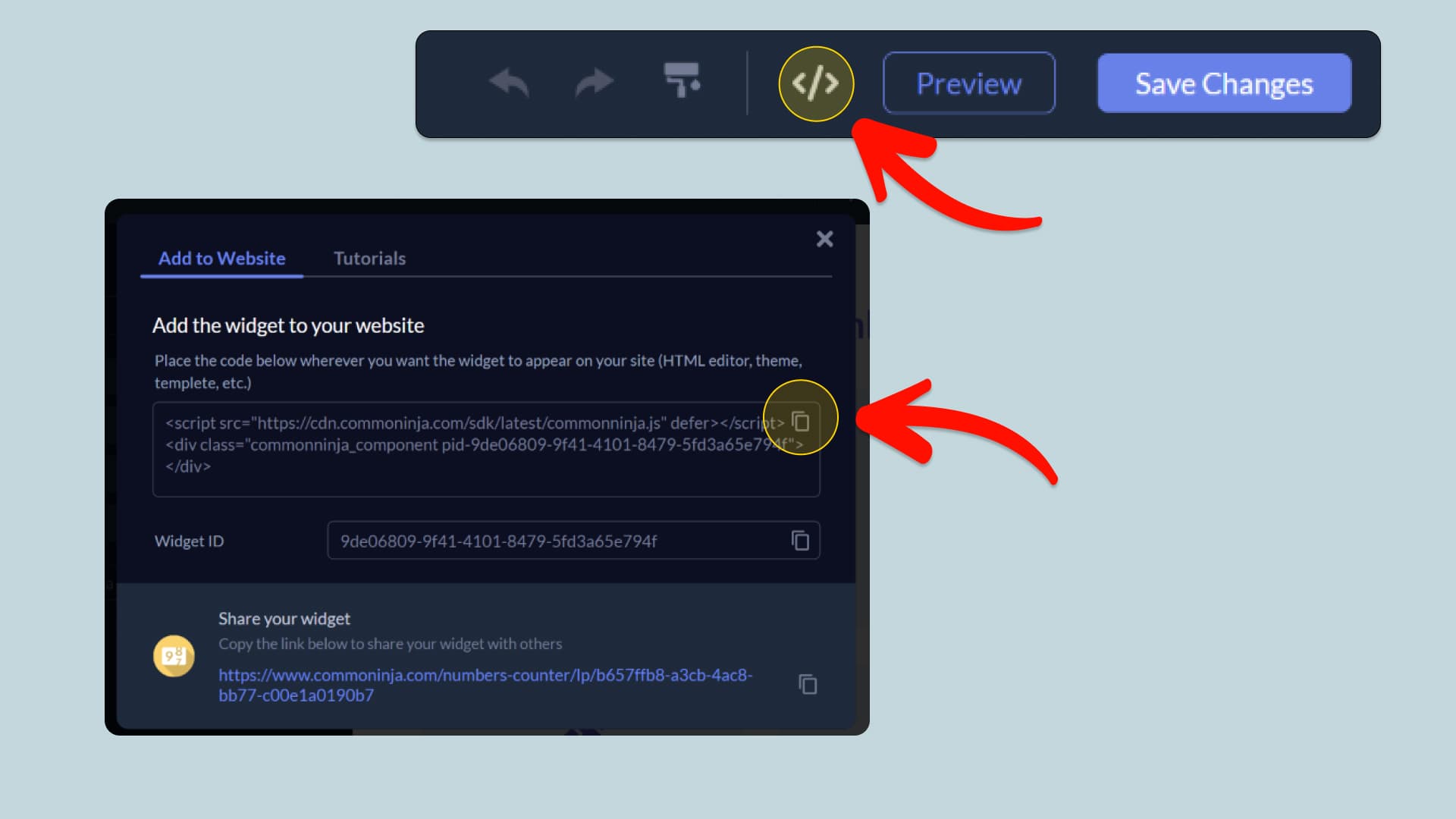
In this quick guide, you'll learn how to embed the Subscription Button into your website by generating your embed code and adding it seamlessly to your website.
How to Embed Subscription Button on Your Platform
Choose your platform to see detailed, step-by-step instructions for embedding Subscription Button seamlessly.


Embed Subscription Button on Your Website
Why Use This Widget
Use the Subscription Button widget when your business model depends on recurring payments and you want onboarding to be frictionless. The button opens a subscription payment form via PayPal or Stripe, letting users agree to ongoing billing in a familiar, secure environment. This works well for memberships, SaaS plans, training programs, and content subscriptions. By placing the button next to each plan description or offer, you connect explanation with commitment in a direct way. You avoid cart complexity and give users a clear next step that feels designed for subscriptions. Over time, a smooth sign up flow can significantly affect conversion and reduce drop off at the payment stage.
This tutorial was written by the Common Ninja product team, creators of interactive, no-code widgets for websites. Common Ninja helps over 500,000 users build engaging online experiences without coding.