Telegram Conversation

Show Telegram conversations on your website in a clear, authentic chat format.

Create a Telegram Conversation

loved by 500K+ businesses

plugineditoreditor

Why Should You Use the Telegram Conversation Widget+?

Evidence, Not Assertion

Claiming that support is quick is marketing. Printing the exchange where it was quick is a record, and readers treat the two very differently.

Make a Multi-Step Process Sit Still

Sign-ups, transfers and troubleshooting are sequences. Laid out as a chat they can be followed at the reader's own pace, and re-read.

Instant Recognition, Zero Instruction

A chat thread is one of the few interfaces that needs no legend. Meaning arrives with the shape, before a single word is parsed.

Custom Telegram Conversations

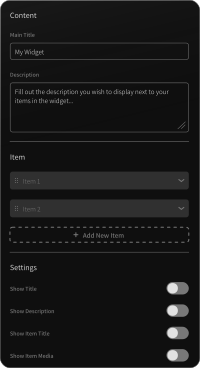
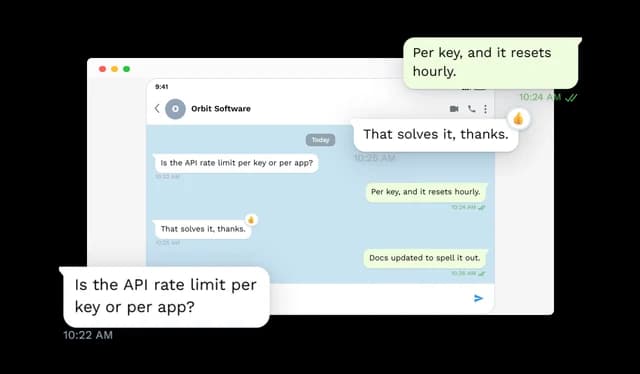
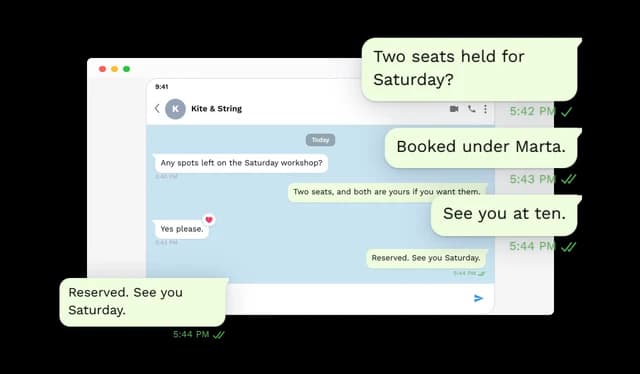
Create complete Telegram conversations with custom contact names, status text, profile images, date dividers, and any number of incoming and outgoing messages. Each conversation can be edited at any time without replacing screenshots.
Telegram Conversation - Custom Telegram Conversations

Message Details and Delivery Status

Add timestamps and delivery indicators to messages, including sent, delivered, and read states. Delivery status can be controlled for the full conversation or set individually for specific messages, and is offered only on outgoing messages, because no chat app draws a receipt on a message you received.

Telegram Conversation - Message Details and Delivery Status

Message Reactions

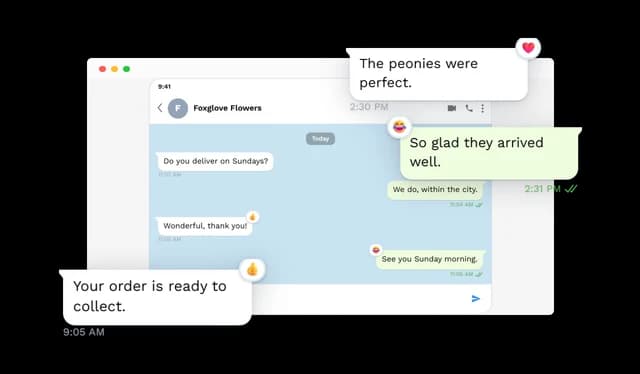
Add reactions such as hearts, thumbs up, thumbs down, laughter, or exclamation marks to individual messages. Reaction placement follows Telegram's own position by default, and can be anchored to any corner of the bubble instead.

Telegram Conversation - Message Reactions

Clickable Message Links

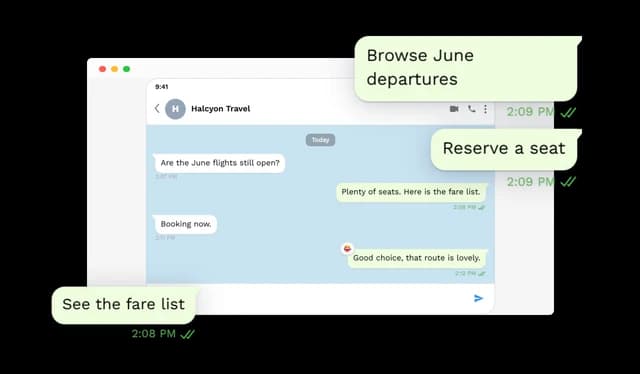
Turn individual message bubbles into clickable links that direct visitors to another page, product, booking flow, or resource. This adds functionality that is not possible with a static conversation screenshot.

Telegram Conversation - Clickable Message Links

Animated Conversation Playback

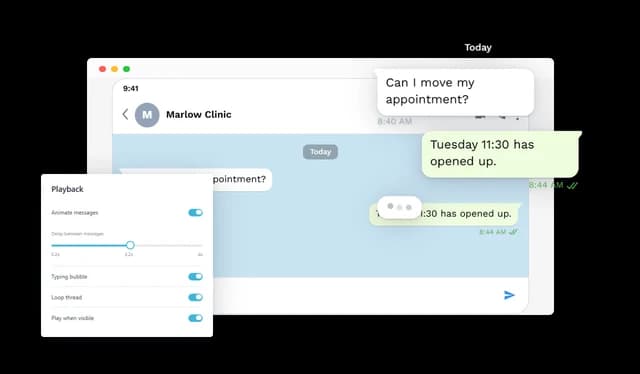
Reveal messages one by one to recreate the natural flow of a Telegram conversation. Control the timing between messages, add typing indicators, replay conversations, or loop the animation automatically.

Telegram Conversation - Animated Conversation Playback

Typing Indicators

Show a typing indicator before incoming messages or keep it visible at the end of a conversation. This helps animated conversations feel more natural and easier to follow.

Telegram Conversation - Typing Indicators

Multiple Conversation Layouts

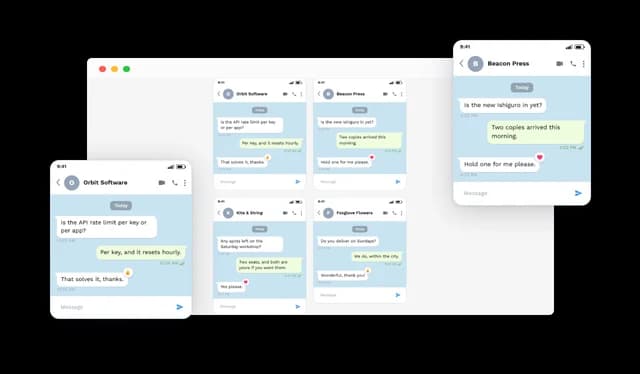
Display one or multiple Telegram conversations using different layouts, including single conversation, slider, carousel, and multi-column grid presentation options. Grid layouts can also be configured with different column counts.

Telegram Conversation - Multiple Conversation Layouts

Custom Chat Appearance

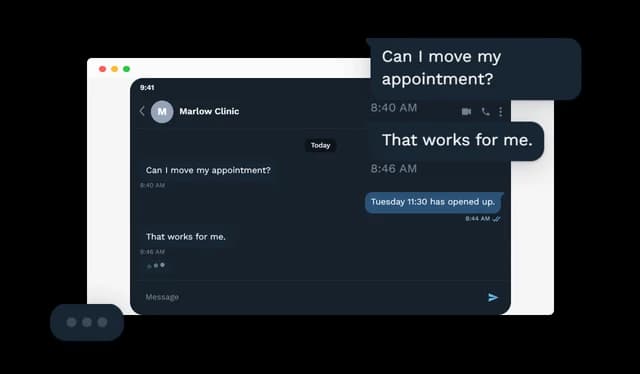
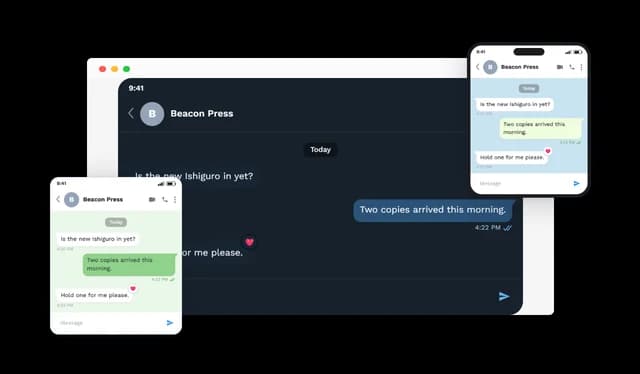
Choose between light and dark themes, different device frames, Telegram's own patterned background, solid colors, or custom background images. You can also customize outgoing message colors, text size, width, and alignment.

Telegram Conversation - Custom Chat Appearance

Responsive Design

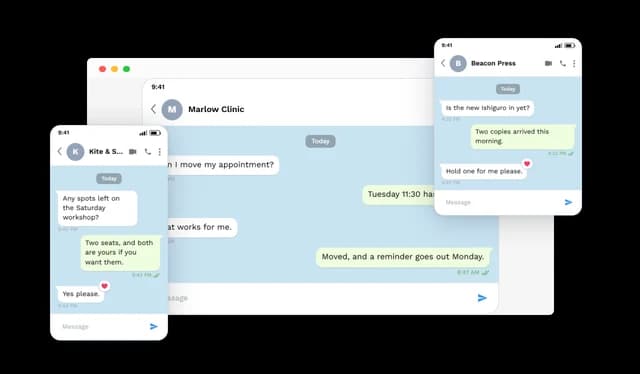
The Telegram Conversation widget automatically adapts to different screen sizes while keeping text and interface elements sharp and readable. Its fluid layout works across desktop, tablet, and mobile devices.

Telegram Conversation - Responsive Design

Advanced Styling

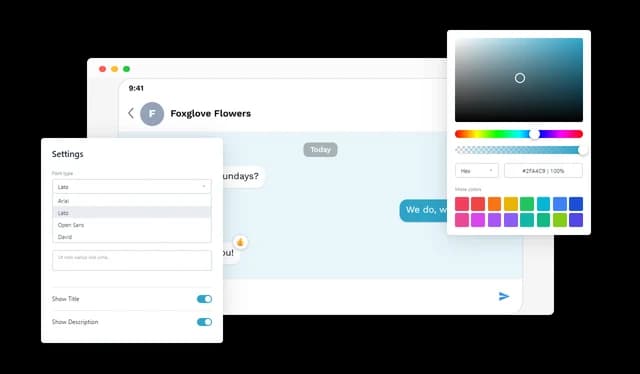
Customize fonts, colors, backgrounds, spacing, and other visual elements to match your website. Custom CSS is also available for more advanced design control.

Telegram Conversation - Advanced Styling

Status Bar and Conversation Controls

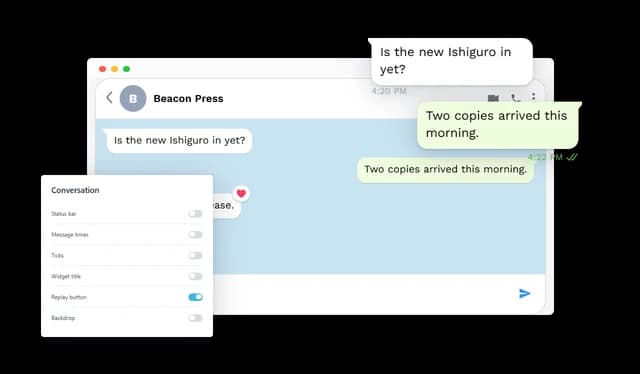
Show or hide elements such as the phone status bar, message times, delivery ticks, widget title, replay button, and background area. These controls make it possible to keep the conversation minimal or include more interface detail.

Telegram Conversation - Status Bar and Conversation Controls

Carousel Controls

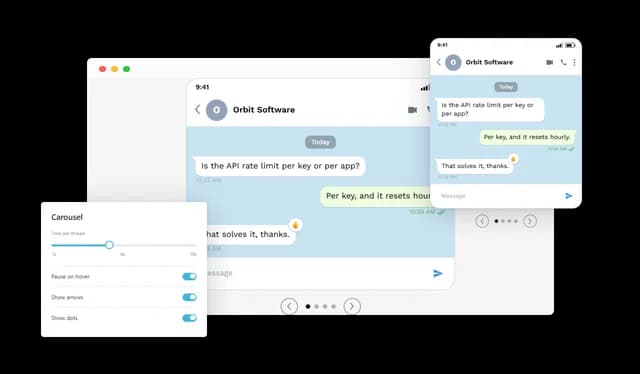
When multiple conversations are displayed in a carousel, you can control how long each conversation stays visible and whether the carousel pauses on hover. This gives visitors more time to read each conversation.

Telegram Conversation - Carousel Controls

Easy to Embed

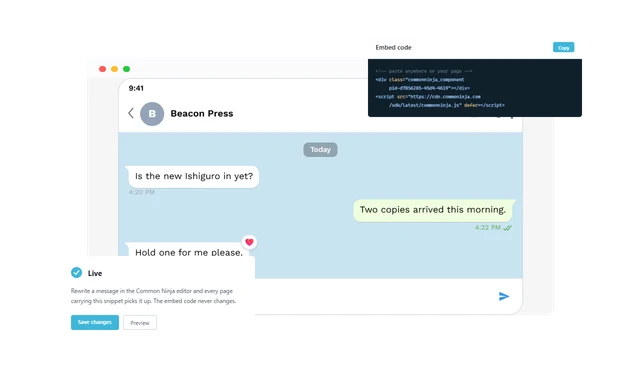
Add the Telegram Conversation widget to any website without coding. Once published, it can be updated from the Common Ninja editor without changing the embed code.

Telegram Conversation - Easy to Embed

Compatible With All Site Builders, E-Commerce Platforms and Websites

View all supported platforms

FAQ

It renders a Telegram-style chat as part of a web page. The thread carries a contact name and avatar, incoming and outgoing messages, date chips, times, delivery ticks, reactions and the surrounding interface detail.

Whenever a dialogue explains something better than prose: a support exchange, an onboarding sequence, a customer saying something worth quoting, or a step in a guide.

Yes. Several threads can run as a slider, an auto-advancing carousel or a grid, and the grid's column count is yours to choose.

Not at all. Messages can arrive in sequence at a chosen tempo, loop when they finish, offer a replay control, and hold until the widget comes into view.

There is. It can occupy the gap ahead of an incoming message while the thread plays, and it can also stay pinned at the bottom of a finished thread.

Yes. Give a message a URL and it becomes clickable, taking the reader to a page, a form or a file directly from the conversation.

Messages can be marked sent, delivered or read. A state can apply to a whole thread, or a specific message can be set on its own.

Heart, thumbs up, thumbs down, laugh and exclamation. Each attaches to a single bubble, and the badge position on that bubble is configurable.

A great deal of it: light or dark, a device frame or none, a custom outgoing bubble color, and a background that can be a pattern, a solid color or your own image. Width, alignment, text scale, fonts and custom CSS are all in reach.

It reorganises to the width available and works from desktop down to mobile. Since the chat is rendered rather than photographed, its text stays crisp on any display.

Each element is independent. Status bar, times, ticks, widget heading, replay control and backdrop can all be switched off, leaving as much or as little as you want.

No. The chat is assembled and styled in the editor, then added to a page with a snippet. Everything afterwards is edited without touching the code.

Yes. Contact details, message text, times, reactions, links and design settings can all be revised, and the live widget reflects the change immediately.

The major website builders, content management systems and e-commerce platforms, plus custom-built sites.